
AMD Gaming PC | Ryzen 5 9600X | RTX 5060 Ti 8GB | 16GB DDR5 | 1TB SSD | Okinos Mirage 4
AMD Gaming PC | Ryzen 5 9600X | RTX 5060 Ti 8GB | 16GB DDR5 | 1TB SSD | Okinos Mirage 4
Sydney Workshop
Kulgoa Avenue
Ryde NSW 2112
Australia
Sydney Workshop - Ready-To-Go Prebuild PCs
Kulgoa Avenue
Ryde NSW 2112
Australia
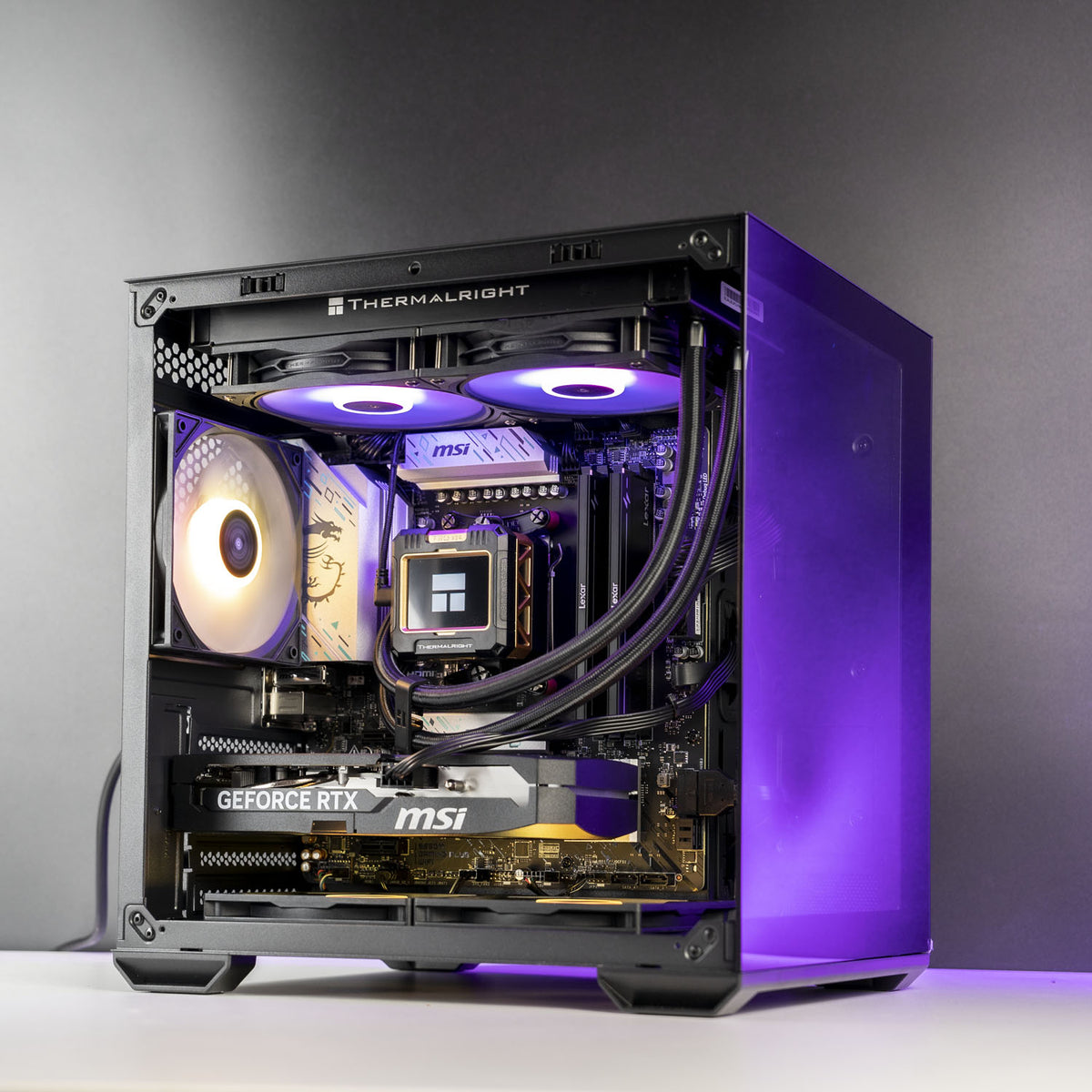
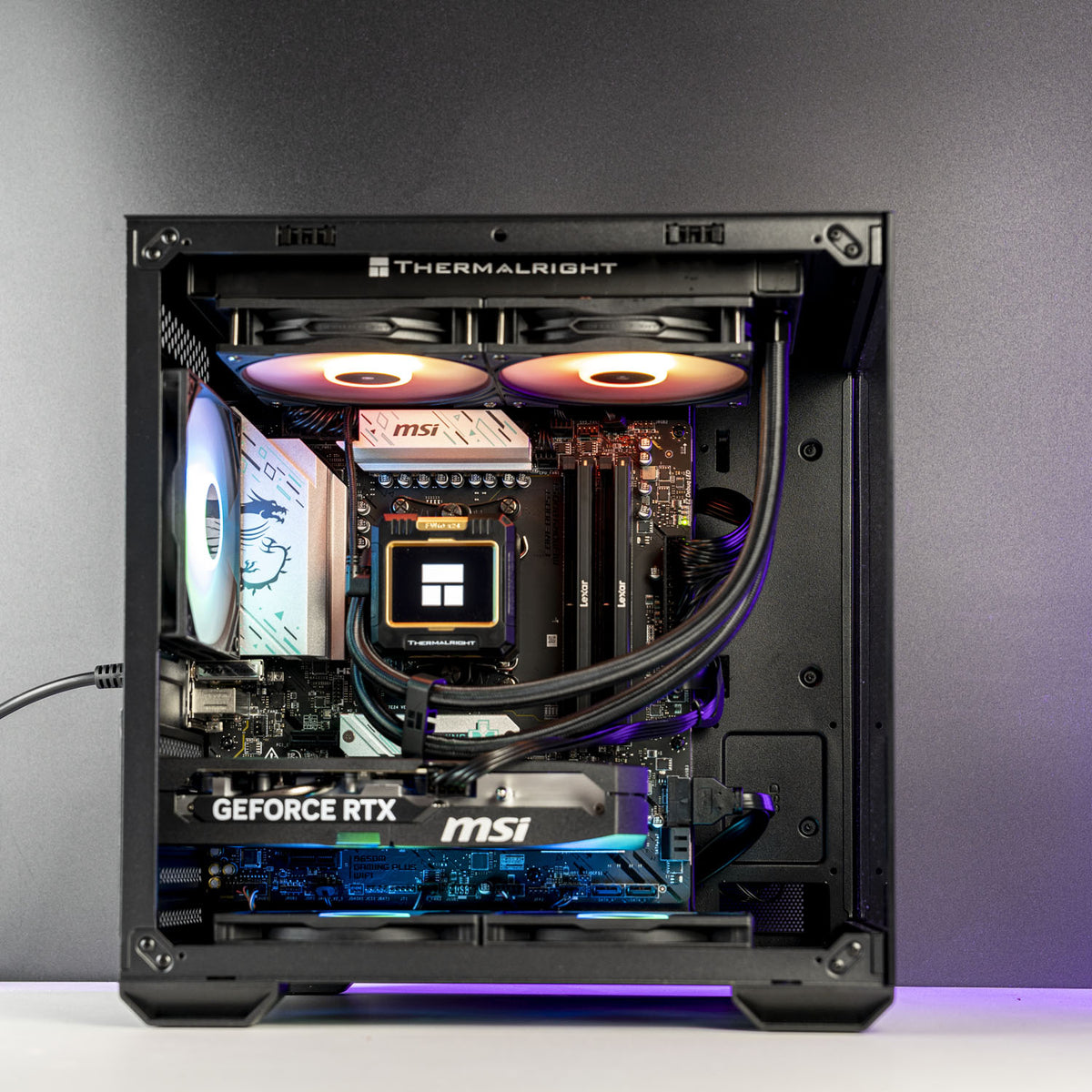
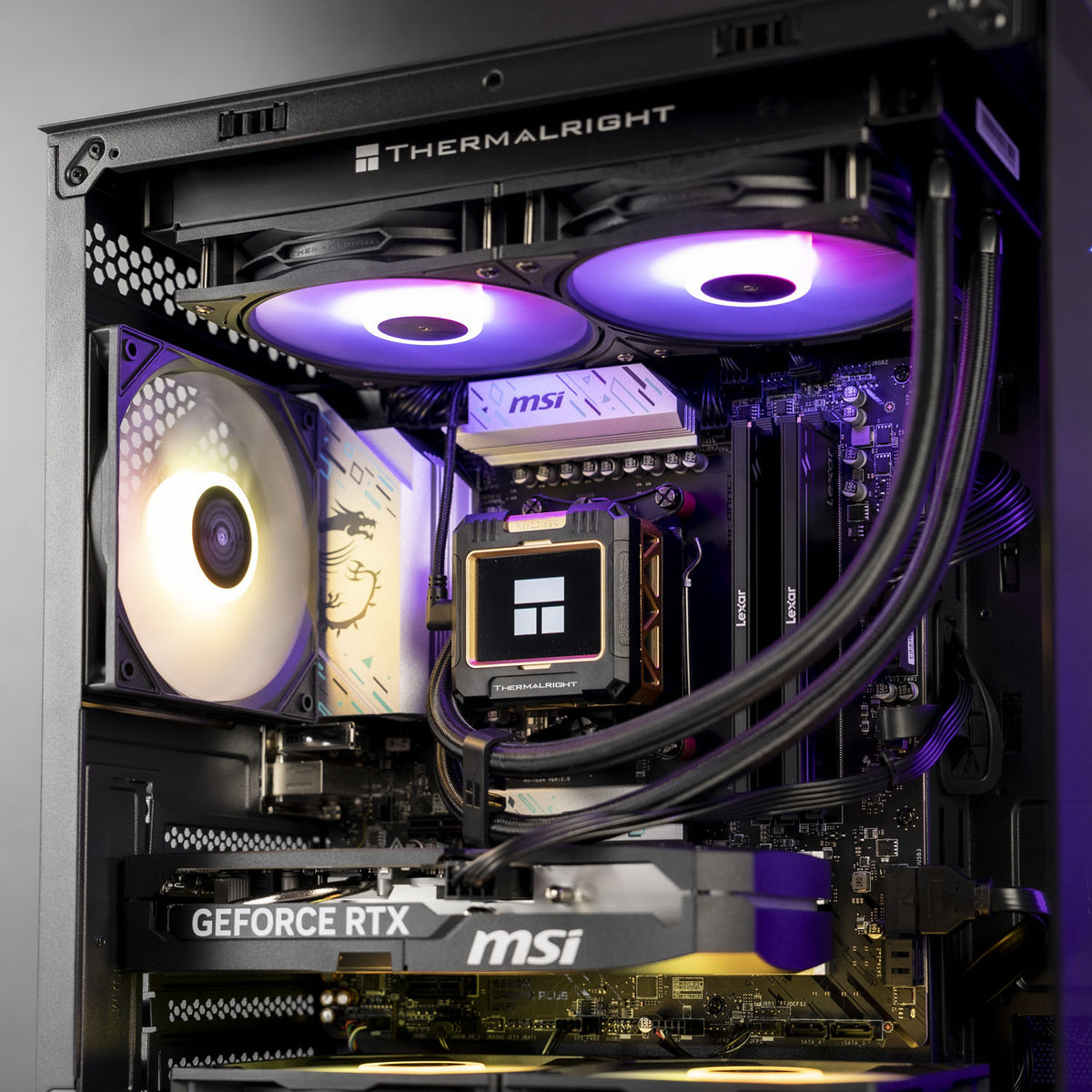
✅ Processor: AMD Ryzen 5 9600X – 6 Cores / 12 Threads
✅ Memory: Lexar THOR 16GB (2x8GB) DDR5 6000MHz CL38 – Black
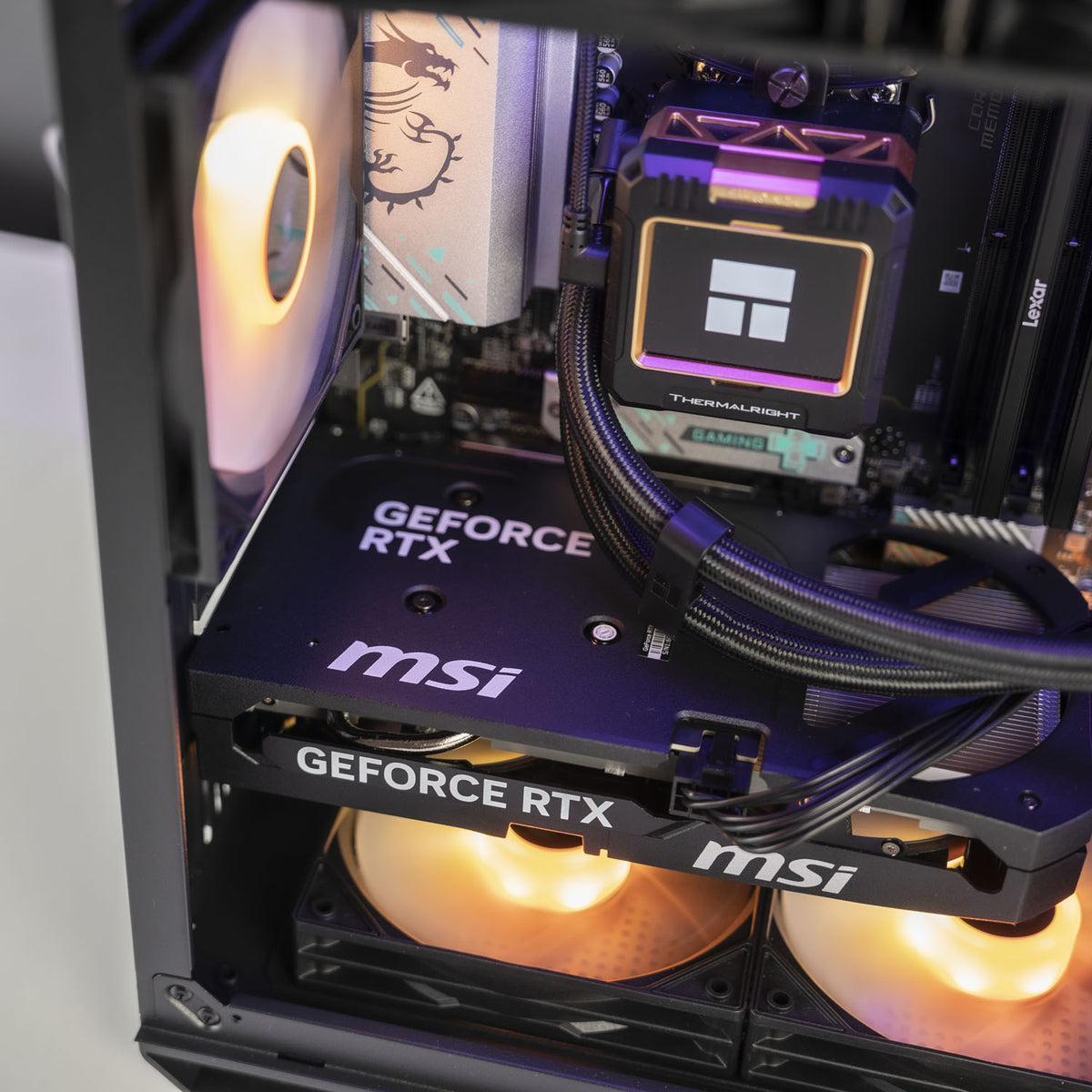
✅ Graphics Card: ASUS RTX 5060 Ti Dual OC 8GB
✅ Motherboard: MSI B650M Gaming Plus WiFi
✅ Storage: Crucial P310 1TB Gen4 NVMe SSD
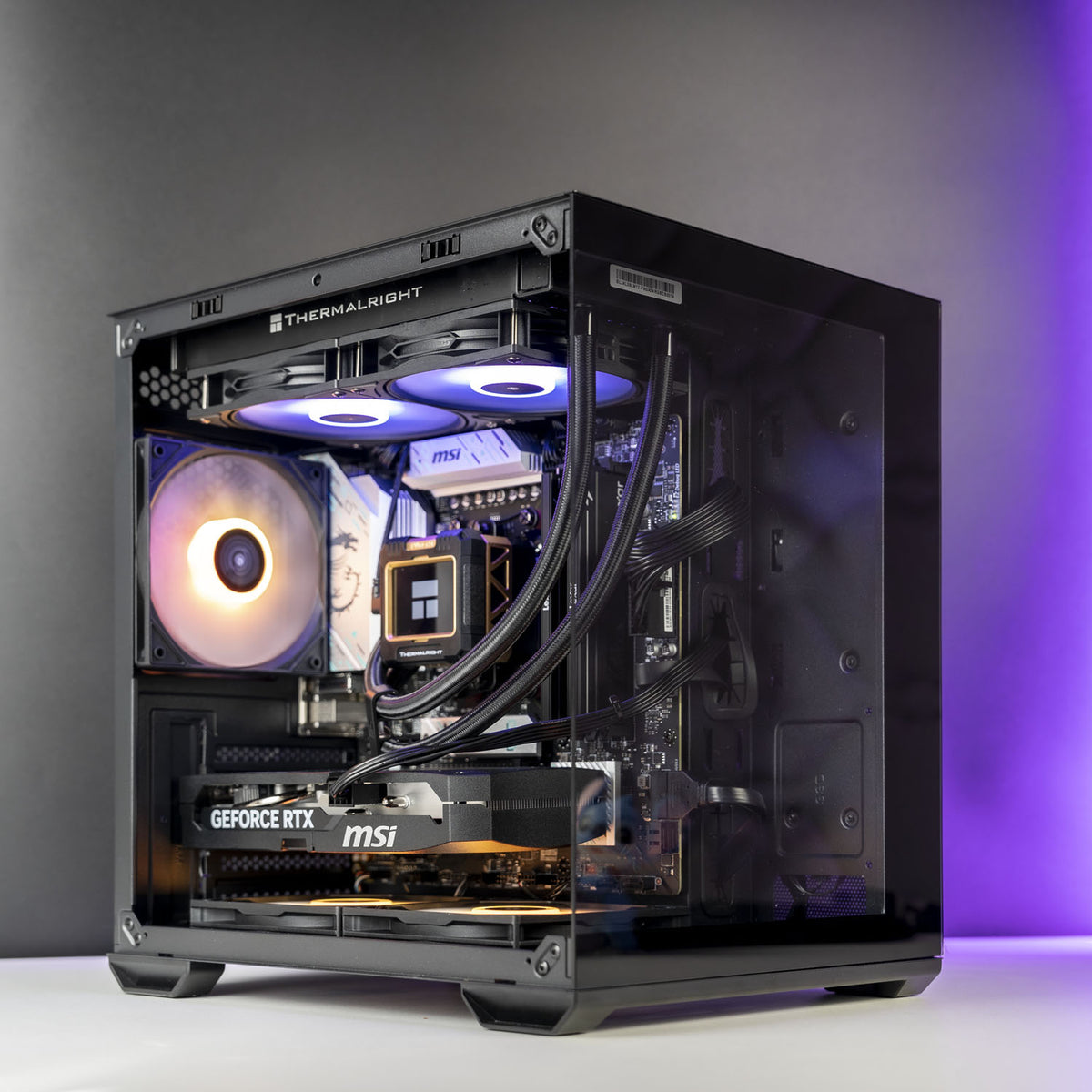
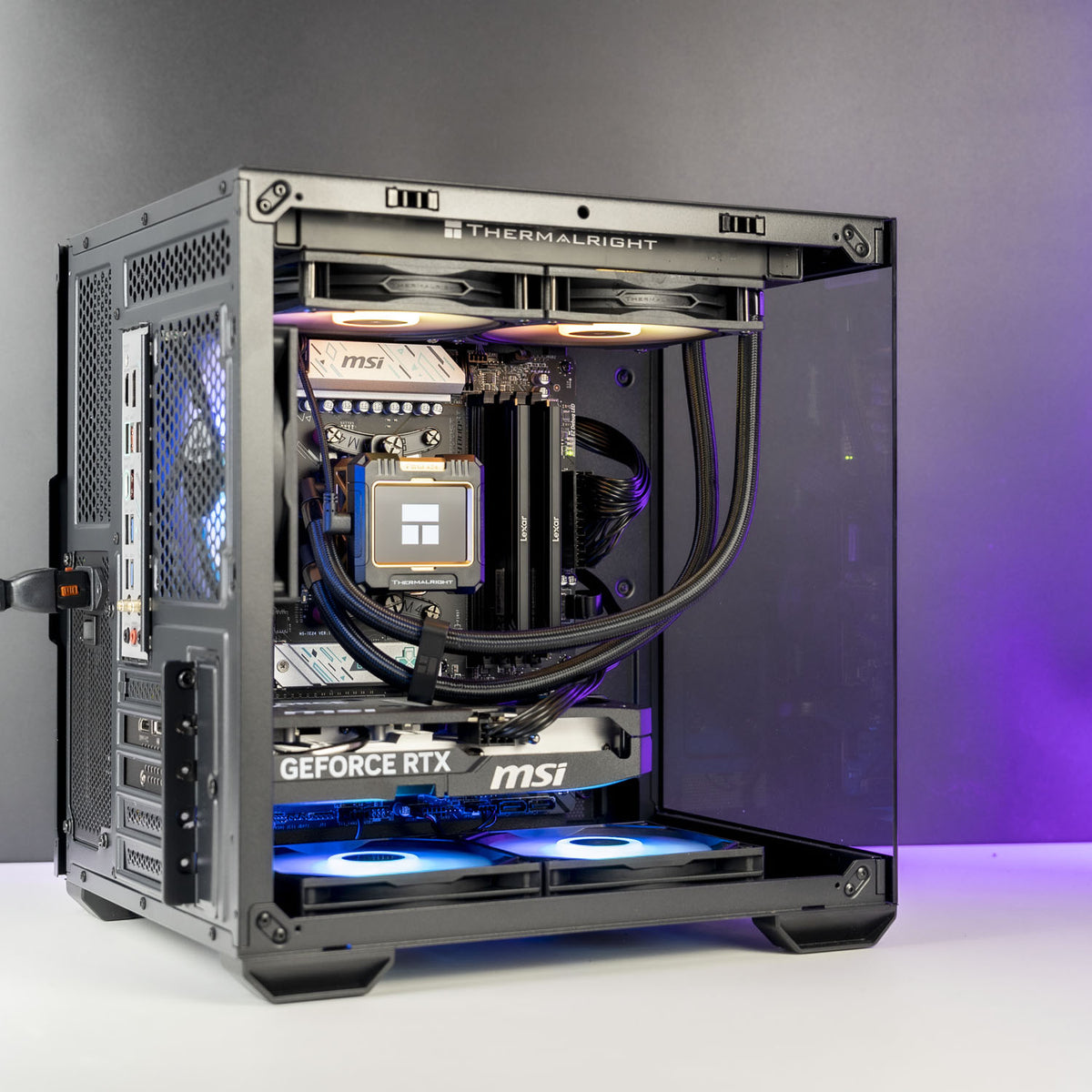
✅ Case: Okinos Mirage 4 mATX Case - Black
✅ Power Supply: XPG Core Shift II VE 750W 80+ Gold, ATX 3.1
✅ Cooling: Thermalright Frozen Warframe 240mm Liquid Cooler – Black
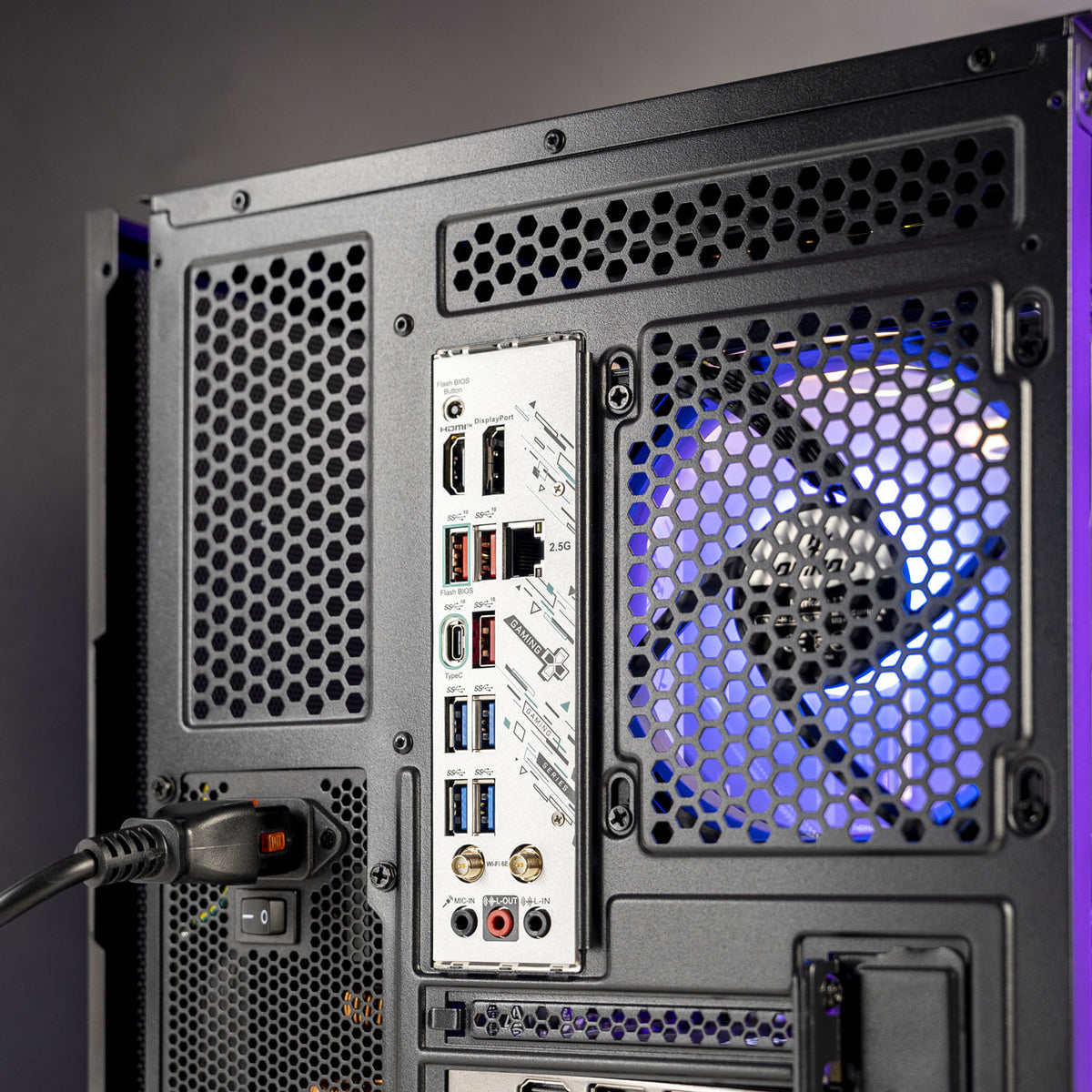
✅ Connectivity: WiFi 6E, Bluetooth 5.3
✅ OS: Windows 11 Home – 64-bit
A well-balanced mid-range build: the Ryzen 5 9600X and RTX 5060 Ti 8GB deliver excellent 1080p performance and hold up well at 1440p too, making this a great pick for competitive and AAA titles alike without the price tag of the X3D-equipped builds.
The Thermalright Frozen Warframe 240mm liquid cooler keeps things running cool in the Okinos Mirage 4 mATX case, with WiFi 6E and Bluetooth 5.3 built in.
Backed by a 24-month warranty and fast Australia-wide shipping.
FPS Performance

Results based on High settings — performance may vary depending on game version, map, or resolution.
BEFORE YOU PLACE THE ORDER
1. Choose your gaming rig
Not sure which gaming PC is right for you?
Give us a buzz and our team will help you out.
2. Place your order
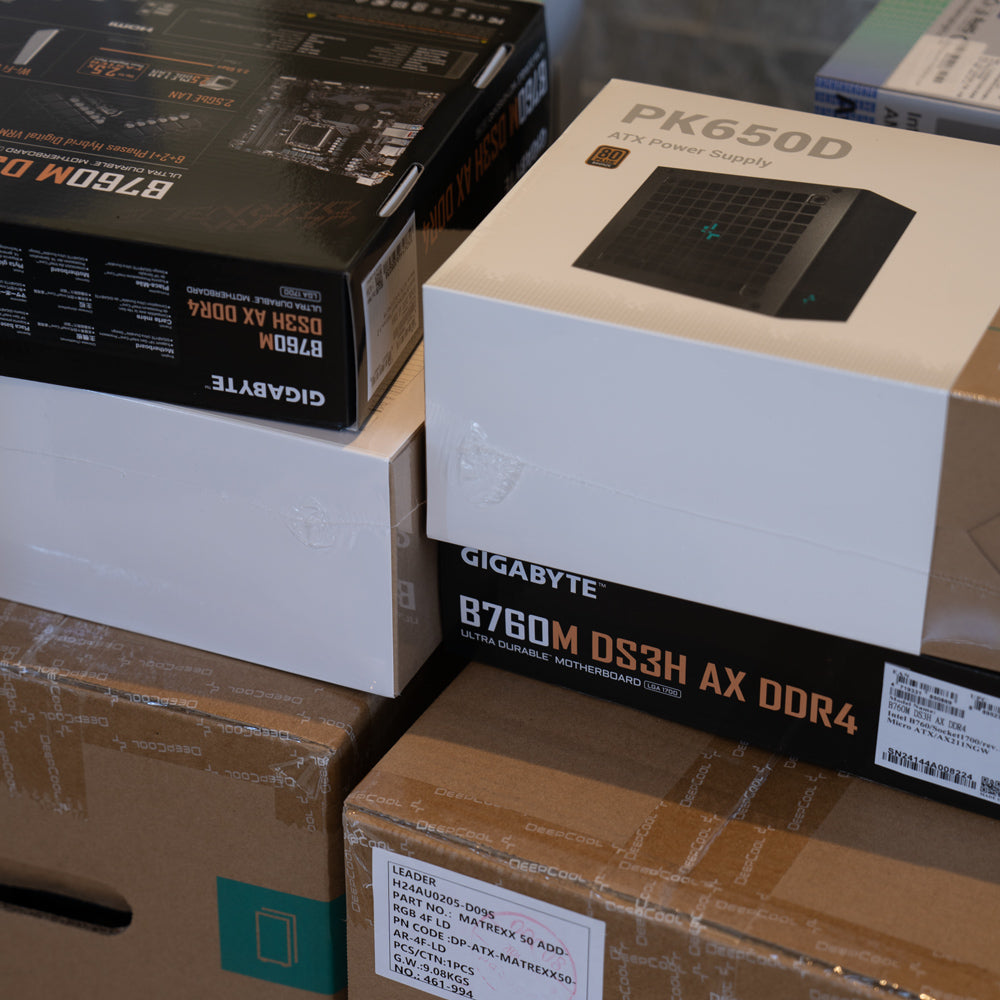
In-stock ready-to-go PCs will be despatched within 24 hours.
Custom PCs will be despatched in 3-4 business days.
3. Packaging
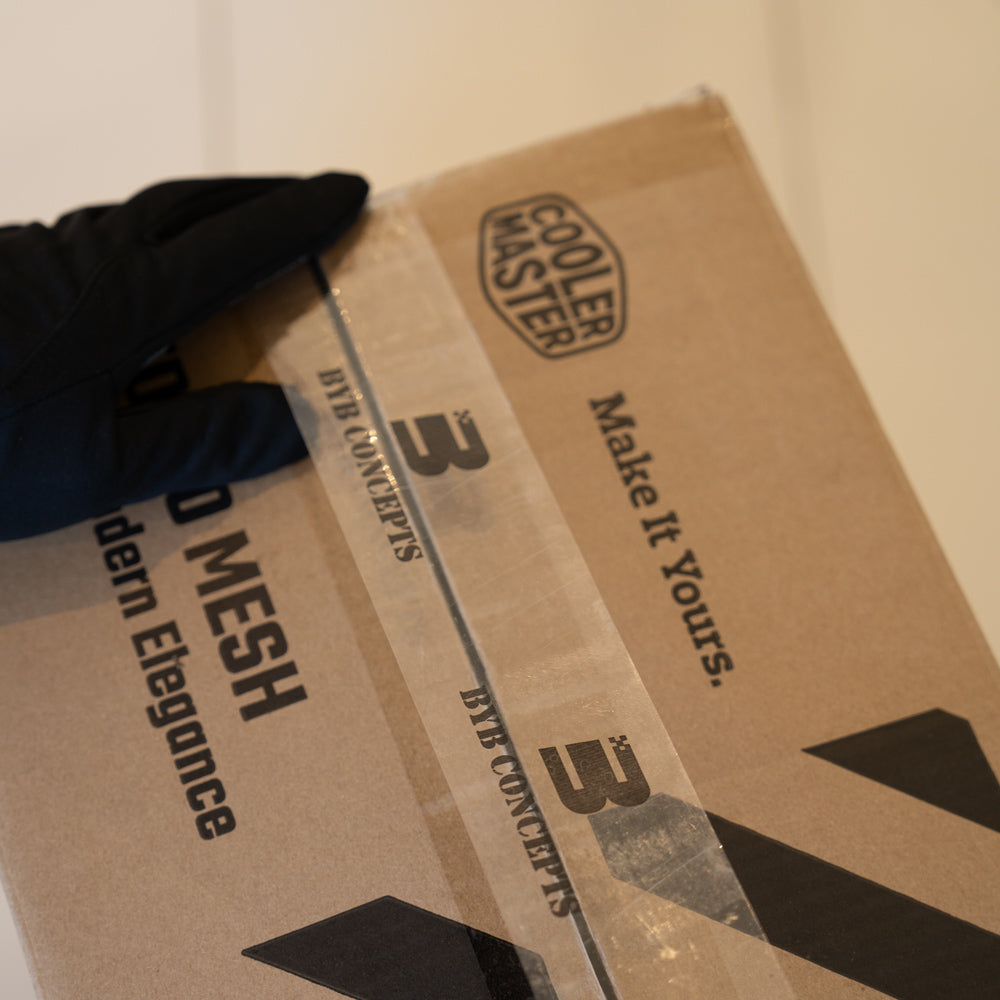
We securely package your gaming PC to ensure it arrives without any damage.
4. Shipping
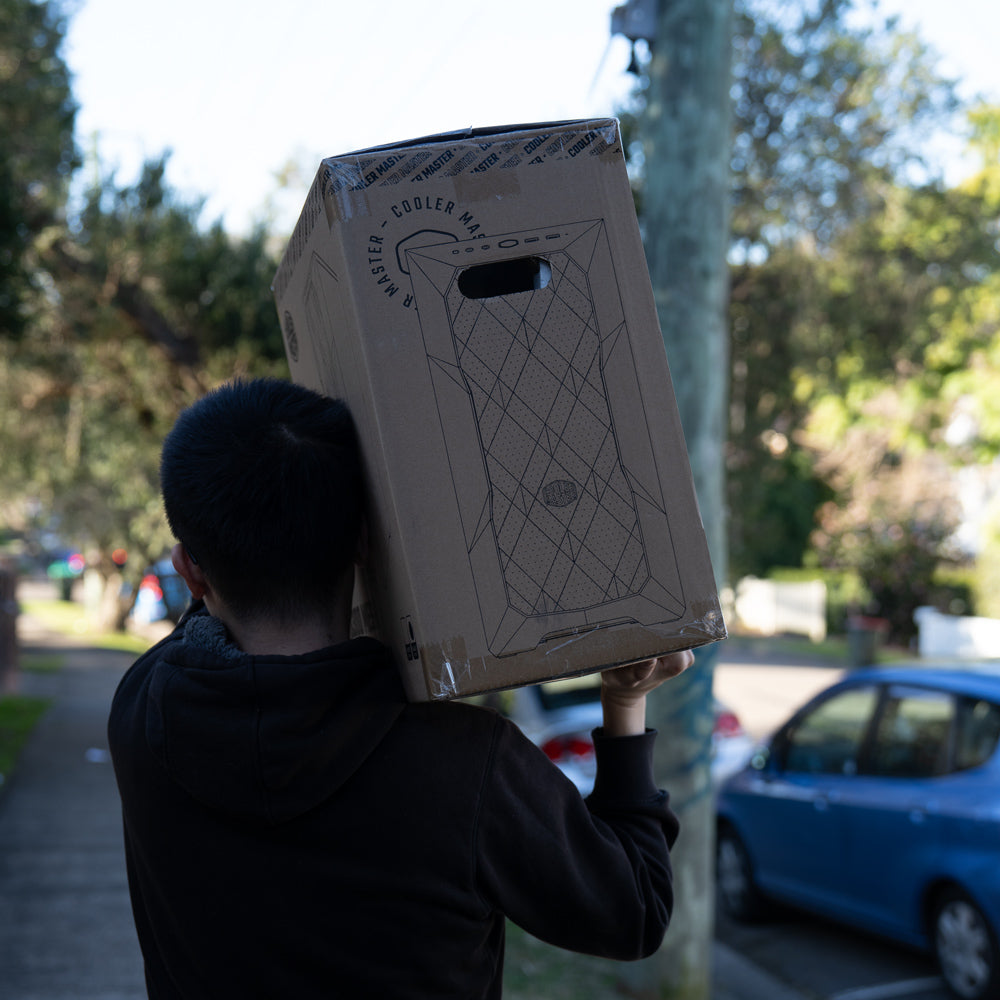
Your PC Order will arrive in a few business days (Longer transit time for regional areas)
5. Plug-And-Play
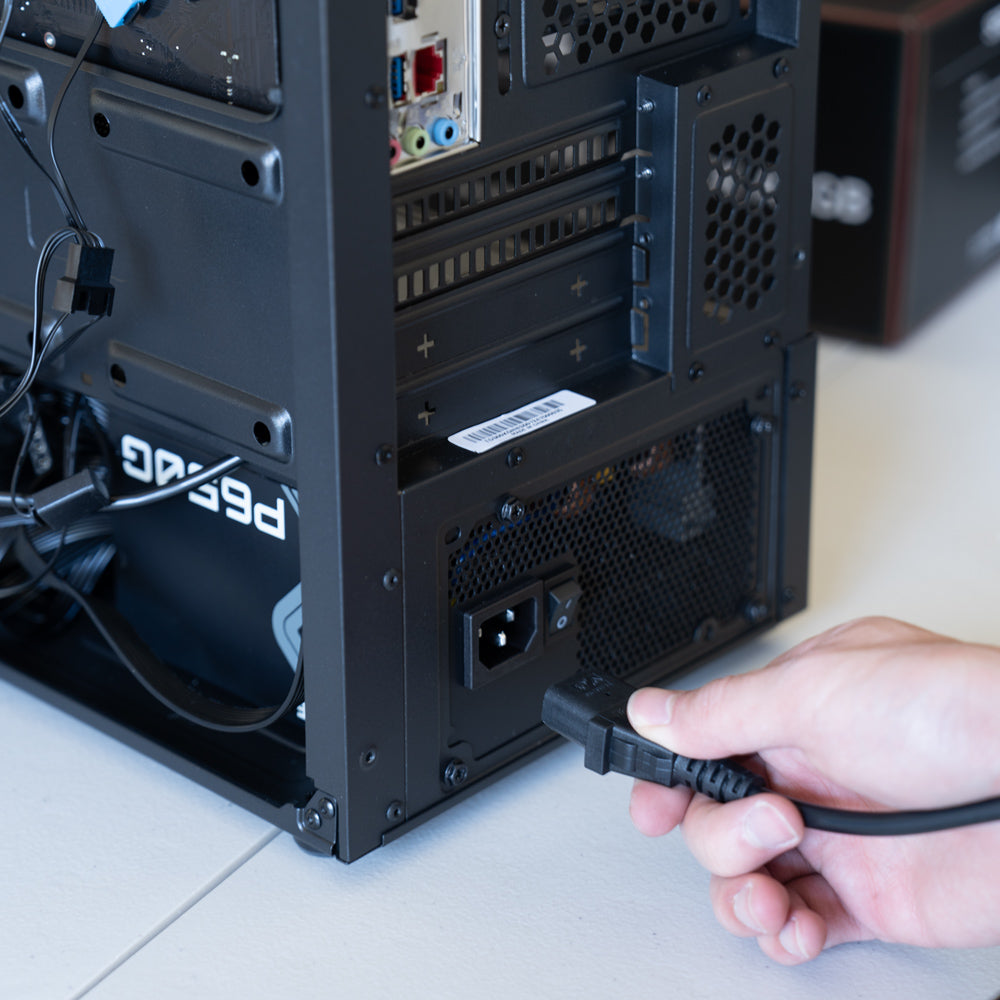
Carefully unpack your new PC, connect everything properly and enjoy!
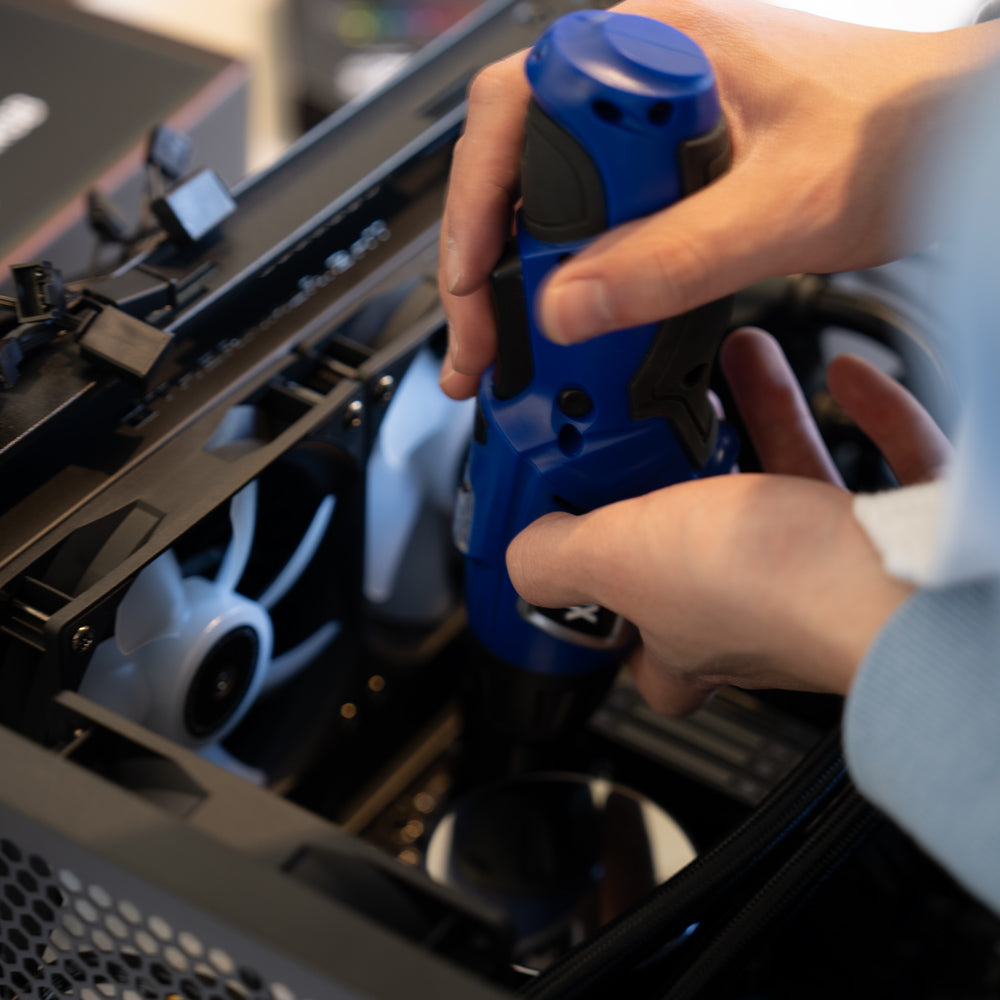
6. Have any Questions?
We're here to help!
Contact us anytime for assistance. With 2 Years warranty support.
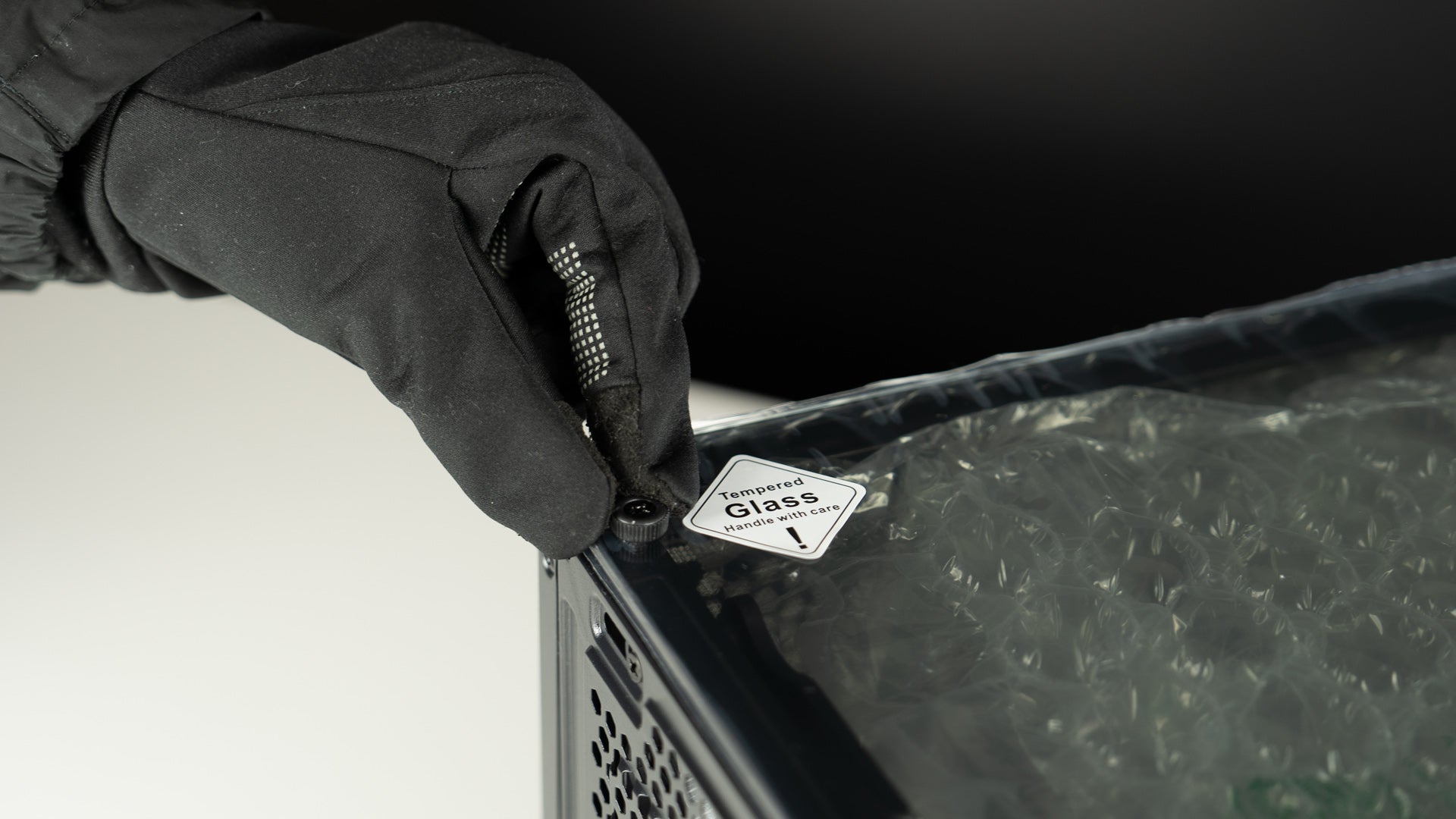
Step 1: Unscrew the Glass Panel
After receiving the computer, unpack the box, place the computer on a flat surface, and unscrew the glass panel screws.
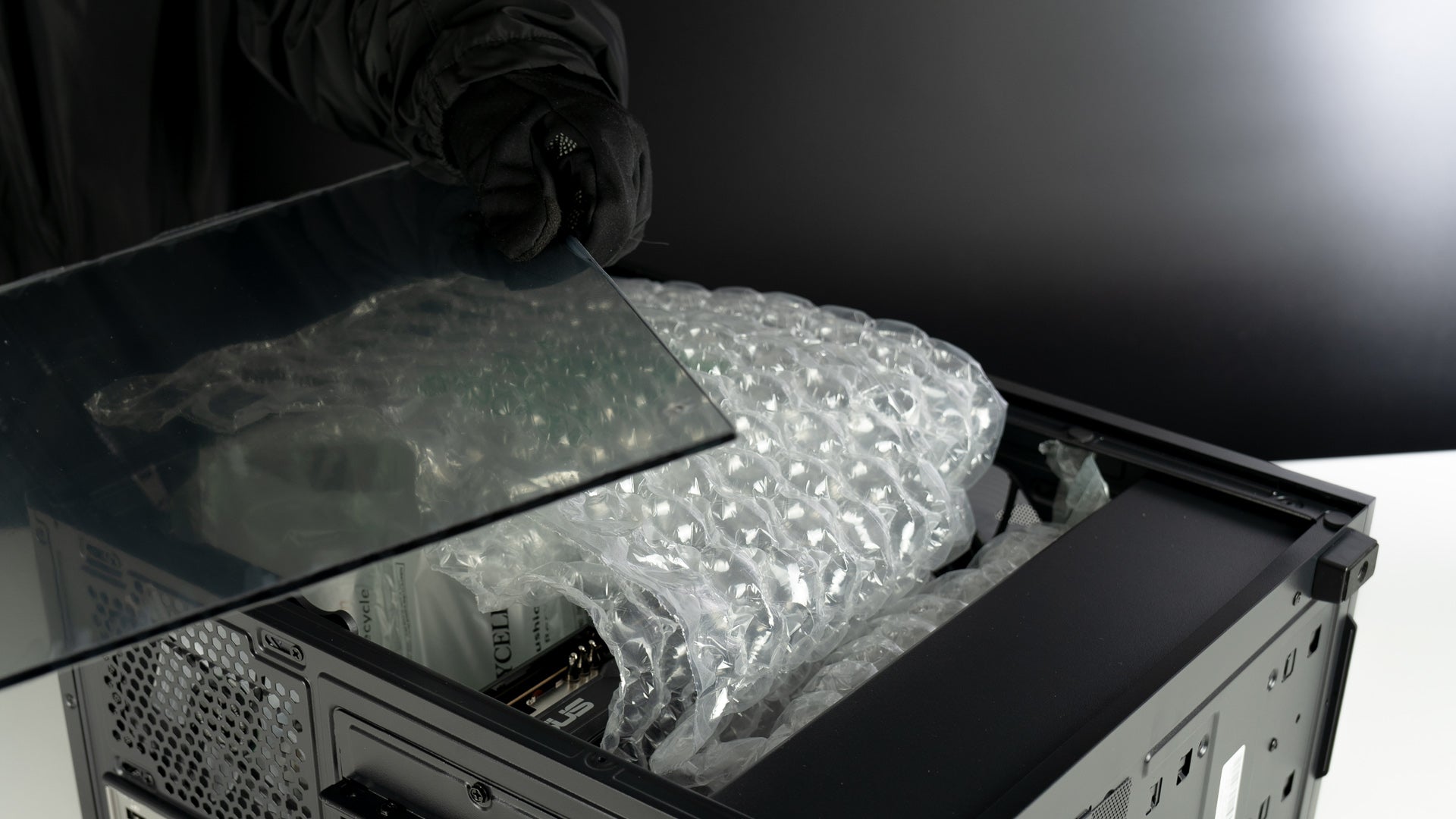
Step 2: Carefully Remove the Glass Panel
Gently lift the glass panel away from the computer case. Hold the panel securely with both hands to avoid any slips or falls.
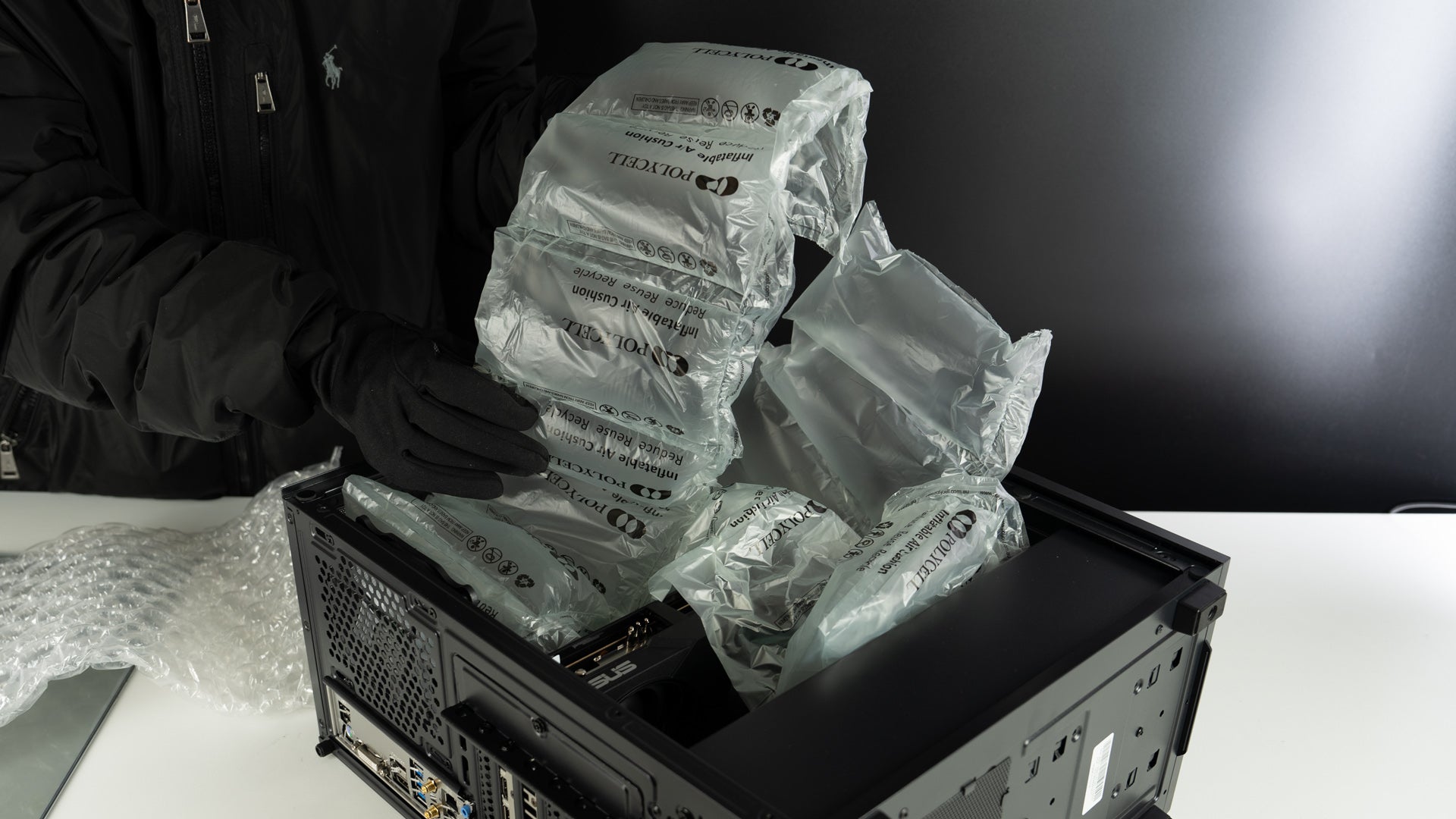
Step 3: Remove the Packing Materials Inside the Case
Carefully take out any foam, plastic, or other packing materials from inside the computer case.
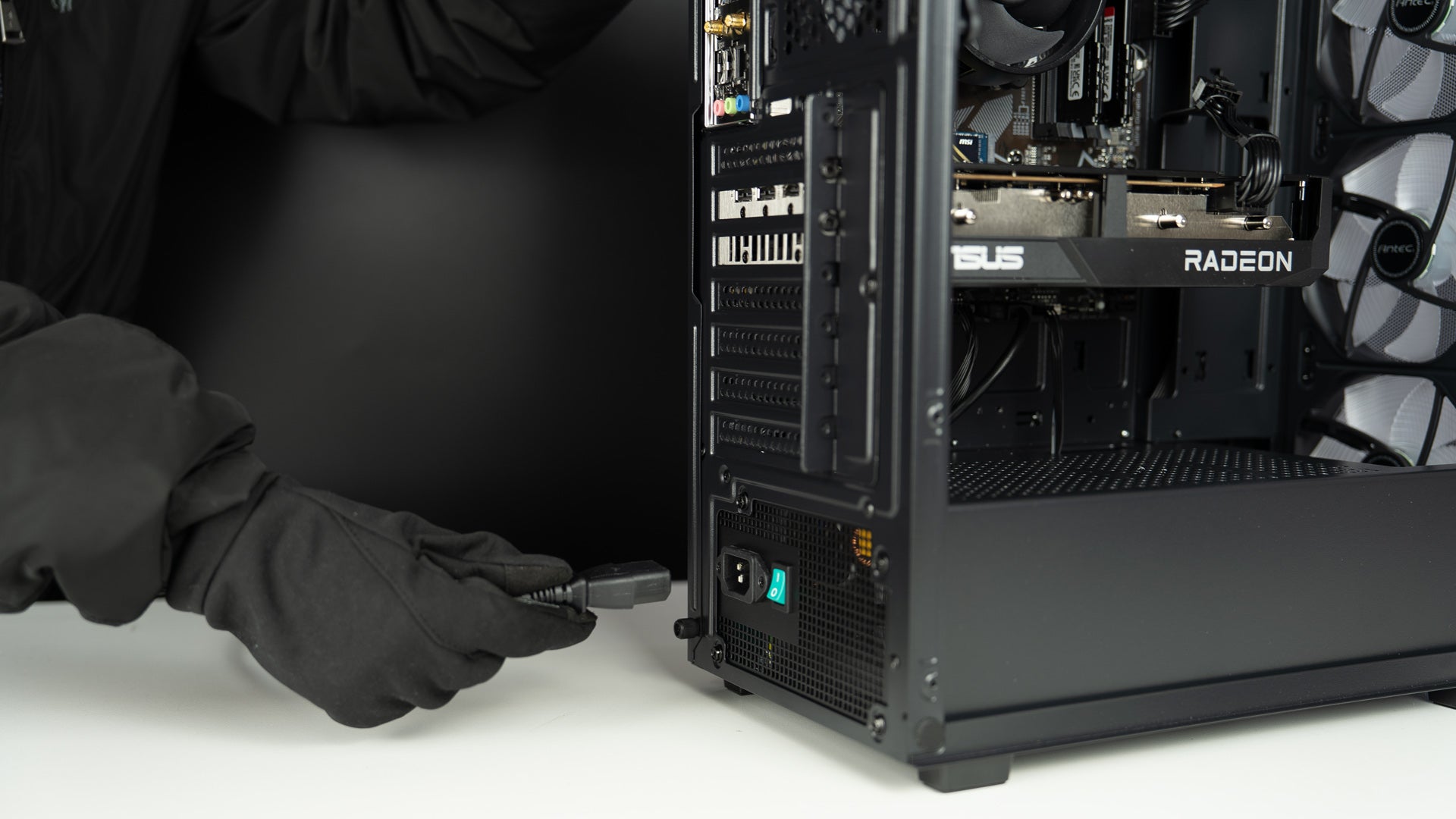
Step 4: Plug in the Power Cable
Insert the power cable into the back of the PC and plug it into a power outlet. Then connect your keyboard, mouse, monitor, and other devices.

Step 5: Plug Your Monitor Cable into the Graphics Card
Connect your monitor using an HDMI or DisplayPort (DP) cable. Make sure the cable is plugged into the graphics card, not the motherboard.

Step 6: Connect the Wi-Fi Antenna
Attach the Wi-Fi antenna to the Wi-Fi ports on the back of the PC, tighten it gently, and you are good to go.