Workstation collection banner Workstation collection banner
PROFESSIONAL WORKSTATION PCS

Built for Professional Workloads

Our workstation PCs are built for creators, engineers, designers, AI users and professionals who need more than standard desktop performance.

Whether you work with video editing, 3D rendering, CAD, architecture, AI tools, content creation or heavy multitasking, BYB Computers can help configure a system that matches your software, workflow and budget.

We focus on practical performance, clean builds, quality components and reliable support, so you can choose a workstation that is suited to real professional use.
Request a Custom Quote
3 products
Sort by
Sort by
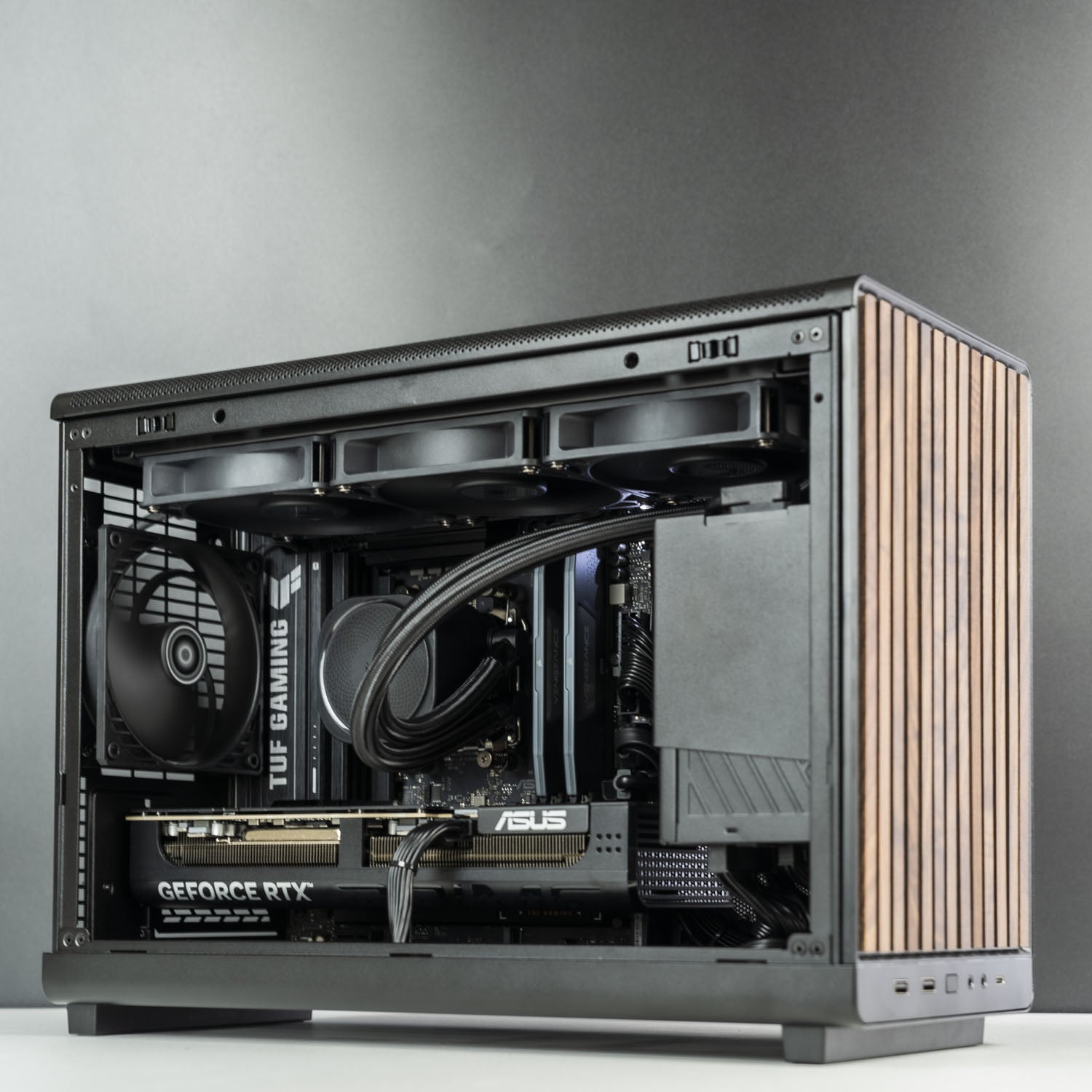
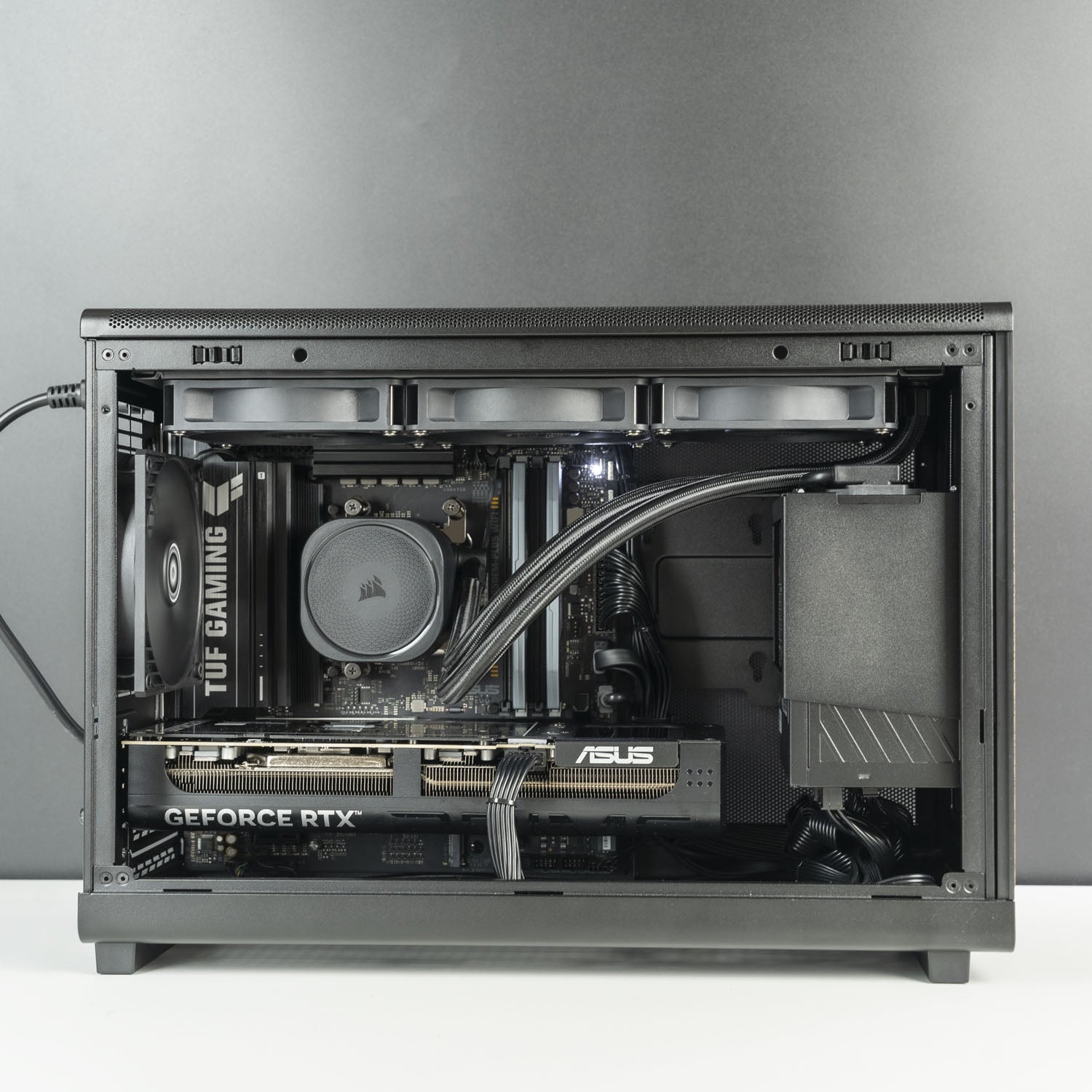
Custom Compact Gaming PC – Intel Core Ultra 7 270K Plus RTX 5060 Ti 16GB Lian Li DAN-A3 Wood Micro ATX Black Custom Compact Gaming PC – Intel Core Ultra 7 270K Plus RTX 5060 Ti 16GB Lian Li DAN-A3 Wood Micro ATX Black
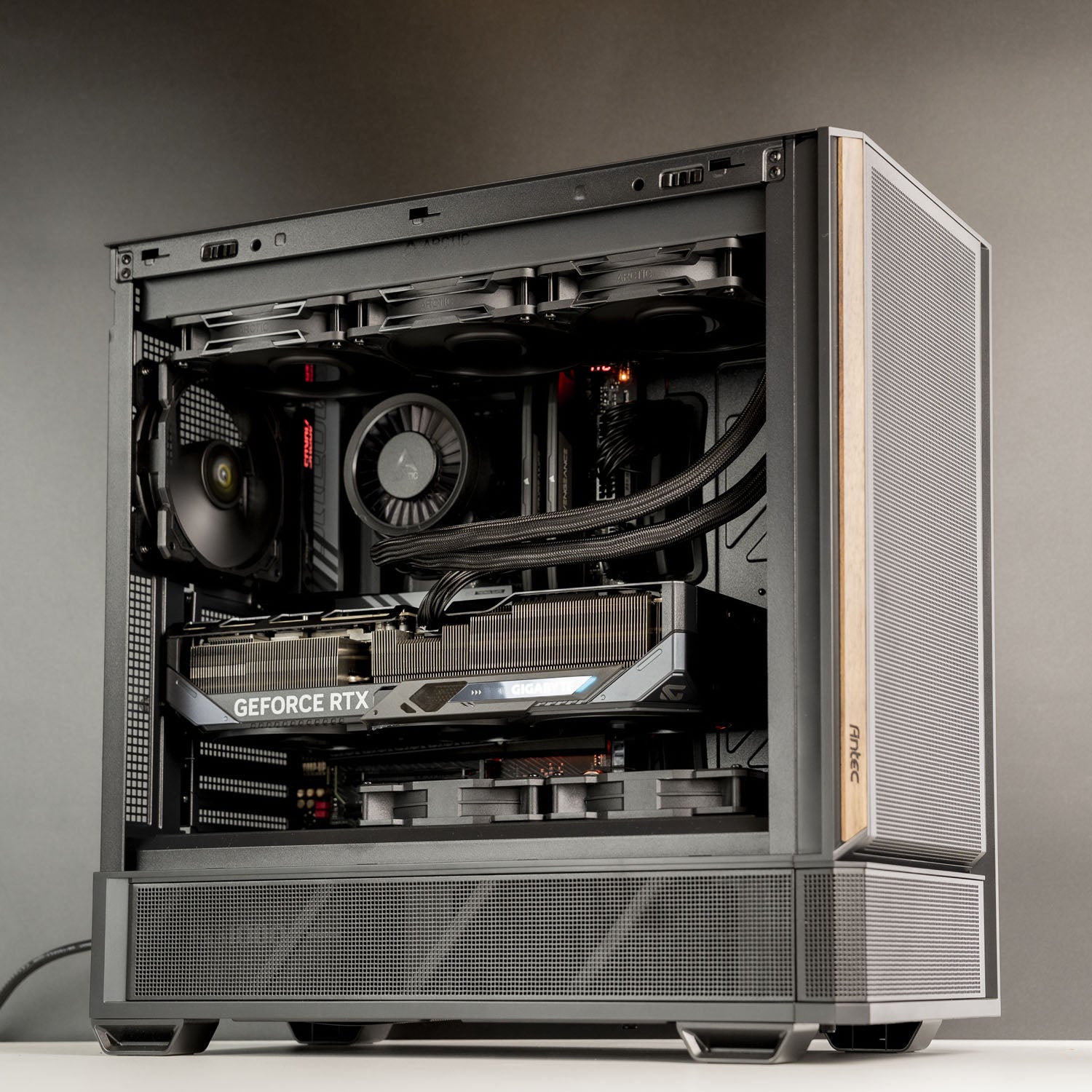
AMD WorkStation | Ryzen 9 9950X | RTX 5060 Ti 16GB | 32GB DDR5 | 2TB SSD | Lian Li A3 Wood Edition
GPU Icon ASUS PRIME RTX 5060 Ti 16GB
CPU Icon Ryzen 9 9950X 16 Cores/32 Threads
RAM Icon Biwin DW100 32GB DDR5 6000CL30
RAM Icon Samsung 9100 Pro 2TB SSD
RAM Icon Asus TuF B850M-Plus WiFi AM5

3 - 5 Business Days
Sale price$4,199.00 AUD
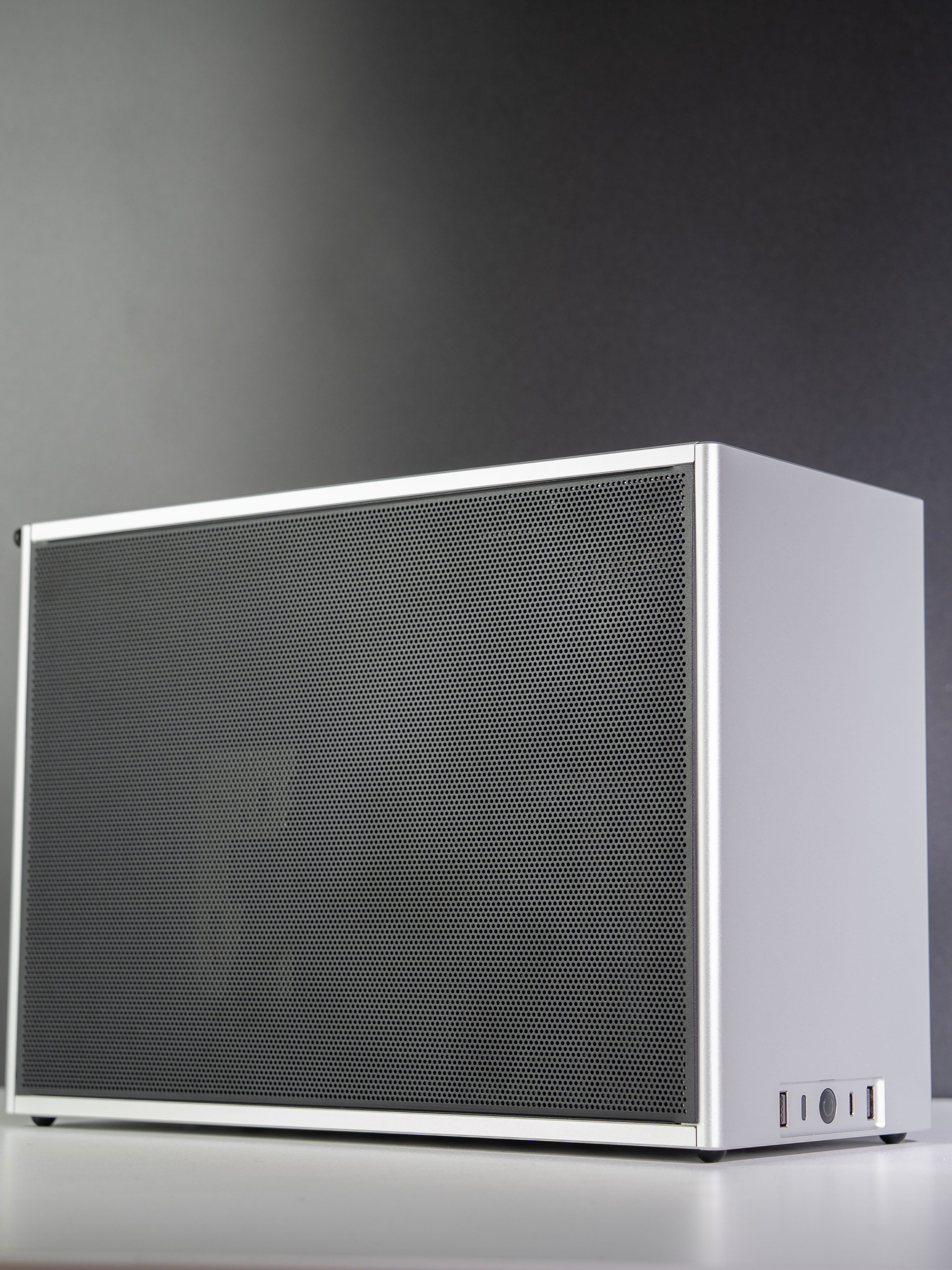
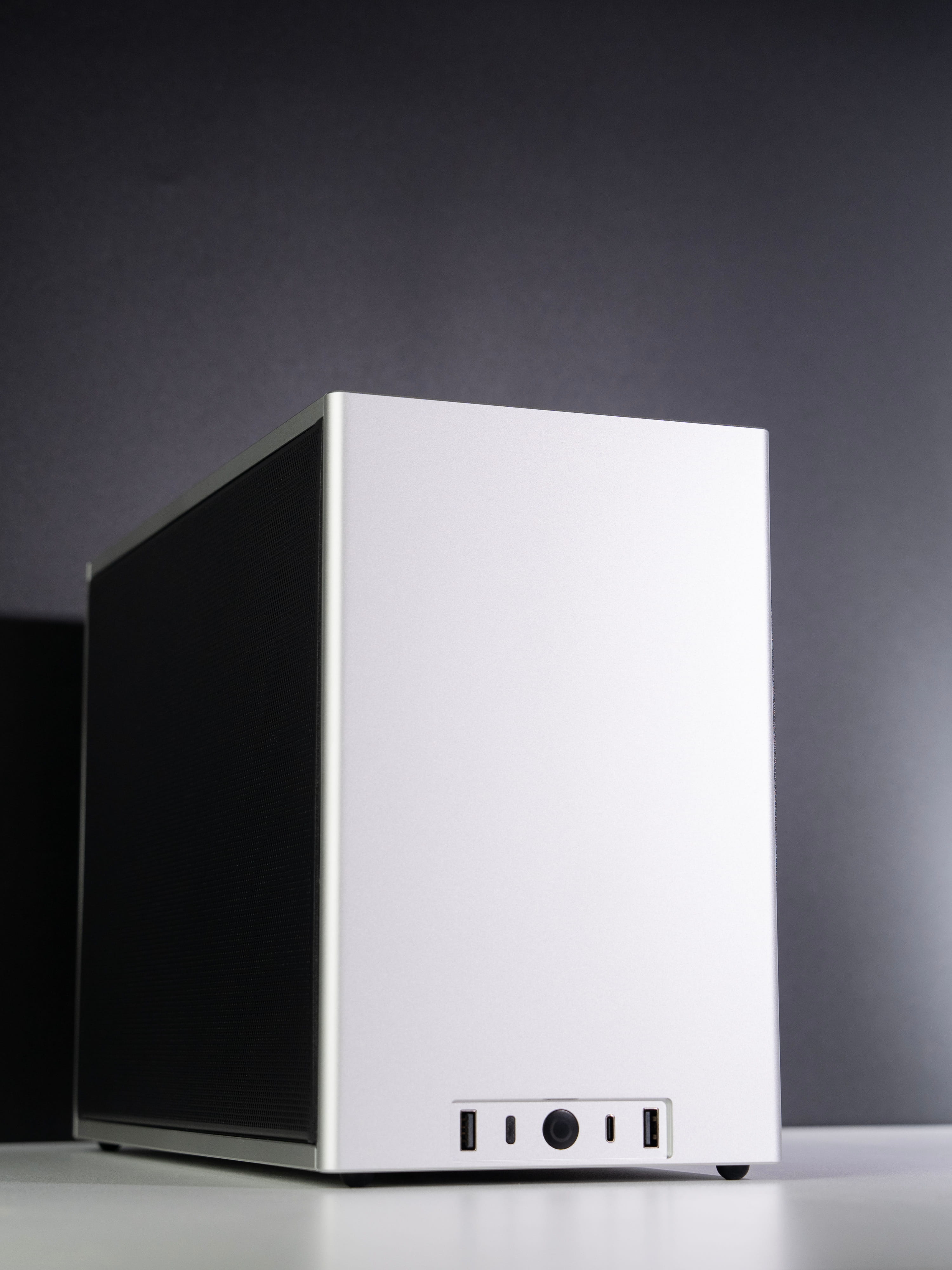
Custom SFF Small Form Factor PC – AMD Ryzen 9 9950X3D ASUS TUF RTX 5090 32GB Ncase M2 CNC Aluminium Silver Black Custom SFF Small Form Factor PC – AMD Ryzen 9 9950X3D ASUS TUF RTX 5090 32GB Ncase M2 CNC Aluminium Silver Black
AMD SFF Workstation | Ryzen 9 9950X3D | TuF RTX 5090 32GB | 64GB DDR5 | 2TB SSD | NCASE M2 SILVER
GPU Icon ASUS TUF RTX 5090 32GB
CPU Icon Ryzen 9 9950X3D 16 Cores/32 Threads
RAM Icon KLEVV Cras V 64GB DDR5 6000CL30
RAM Icon Samsung 9100 Pro 2TB SSD
RAM Icon ASUS TuF B850M WiFi 7

10 - 15 Business Days
Sale price$12,499.00 AUD
Custom Compact Gaming PC – Intel Core Ultra 7 270K Plus RTX 5060 Ti 16GB Lian Li DAN-A3 Wood Micro ATX Black Custom Compact Gaming PC – Intel Core Ultra 7 270K Plus RTX 5060 Ti 16GB Lian Li DAN-A3 Wood Micro ATX Black
Intel Workstation | Ultra 7 270K Plus | RTX 5060 Ti 16GB | 32GB DDR5 | 1TB SSD | Lian Li A3 Wood
GPU Icon ASUS PRIME RTX 5060 Ti 16GB
CPU Icon Intel Ultra 7 270K Plus
RAM Icon Crucial 32GB DDR5 6000CL36
RAM Icon Samsung 9100 Pro 1TB SSD
RAM Icon Asus TuF B860M-Plus WiFi AM5

3 - 5 Business Days
Sale price$3,199.00 AUD

Frequently Asked Questions

Find quick answers about workstation PCs, AI workloads, content creation, engineering software and custom workstation recommendations.

What is the difference between a gaming PC and a workstation PC?

A workstation PC is designed for professional use, stability and demanding software workflows. While gaming PCs focus mainly on gaming performance, workstation PCs are better suited for tasks such as video editing, 3D rendering, CAD, engineering, AI tools and heavy multitasking.

Can BYB Computers build a custom workstation PC?

Yes. BYB Computers can help configure a custom workstation PC based on your software, workflow, budget and performance needs. We can recommend a suitable system for AI, LLMs, video editing, 3D rendering, CAD, engineering, content creation and professional multitasking.

I am not sure where to start. Can BYB Computers help me choose a workstation PC?

Yes. If you are unsure where to start, simply contact BYB Computers and tell us what software you use, your main workload, your budget and any performance requirements. Our team can help recommend a suitable workstation PC for your needs.

What PC do I need to run AI agents or LLMs locally?

Running AI agents, local LLMs or AI tools depends heavily on GPU performance and VRAM. In simple terms, the larger and more complex the AI model, the more GPU memory it usually needs. A graphics card with more VRAM can help larger models run more efficiently and reduce reliance on slower system memory or CPU offloading.

For local AI work, we usually recommend focusing on a strong NVIDIA RTX GPU, generous VRAM, sufficient system RAM, fast NVMe SSD storage and reliable cooling. The right configuration depends on the AI tools you use, the model size, whether you are running inference, testing agents, using RAG workflows or doing heavier development work. BYB Computers can recommend a suitable workstation based on your AI workflow and budget.

NVIDIA also explains that larger LLMs need more GPU memory, and quantized models are often used to fit models into less VRAM.

What workstation PC do I need for 3D rendering?

For 3D rendering, the right workstation depends on whether your software uses GPU rendering, CPU rendering or both. GPU rendering workflows usually benefit from a powerful graphics card, more VRAM and strong cooling. CPU rendering workflows may benefit more from higher core-count processors and sufficient system memory.

If you use Blender, Unreal Engine, V-Ray, Octane, Cinema 4D or similar tools, the best configuration depends on scene complexity, texture size, render engine and whether your projects rely on GPU acceleration. Blender’s official documentation confirms that GPU rendering can use technologies such as CUDA, OptiX, HIP, oneAPI or Metal depending on the GPU and platform.

What workstation PC do I need for video editing?

The right PC for video editing depends on the software you use and how complex your projects are. If you mainly edit short-form content using lighter tools such as CapCut, you may not need a high-end workstation. A well-balanced PC with a modern CPU, sufficient RAM and fast SSD storage may be enough for basic editing, social media videos and everyday content creation.

For heavier video editing workflows, such as 4K projects, multi-layer timelines, colour grading, effects, Adobe Premiere Pro, After Effects or DaVinci Resolve, a stronger workstation can make a big difference. In those cases, we usually recommend a balanced CPU and GPU, more RAM, fast NVMe SSD storage and reliable cooling for smoother playback, editing and export performance.

BYB Computers can recommend a suitable video editing PC based on your editing software, footage resolution, project size and budget.

What workstation PC do I need for 3D rendering, CAD or engineering software?

The right workstation PC depends on the software you use and whether your workflow relies more on CPU performance, GPU acceleration, memory capacity or long-term stability.

For 3D rendering, a strong GPU with sufficient VRAM is often important, especially for GPU-based rendering, large scenes, textures and visualisation work. For CPU-based rendering or simulation tasks, a higher-core processor and enough system memory may be more important.

For CAD, architecture and engineering software, stability, responsive performance and software compatibility are key. A suitable workstation may need a strong CPU, reliable graphics performance, sufficient RAM, fast SSD storage and effective cooling, especially when working with large models, assemblies, drawings or technical project files.

BYB Computers can help recommend a workstation based on your software, project size, rendering method, budget and performance requirements.