

AMD Gaming PC | Ryzen 9 9950X3D | RTX 5080 16GB | 32GB DDR5 | 2TB SSD | Lian Li O11 Vision Compact
AMD Gaming PC | Ryzen 9 9950X3D | RTX 5080 16GB | 32GB DDR5 | 2TB SSD | Lian Li O11 Vision Compact
Sydney Workshop
Kulgoa Avenue
Ryde NSW 2112
Australia
Sydney Workshop - Ready-To-Go Prebuild PCs
Kulgoa Avenue
Ryde NSW 2112
Australia
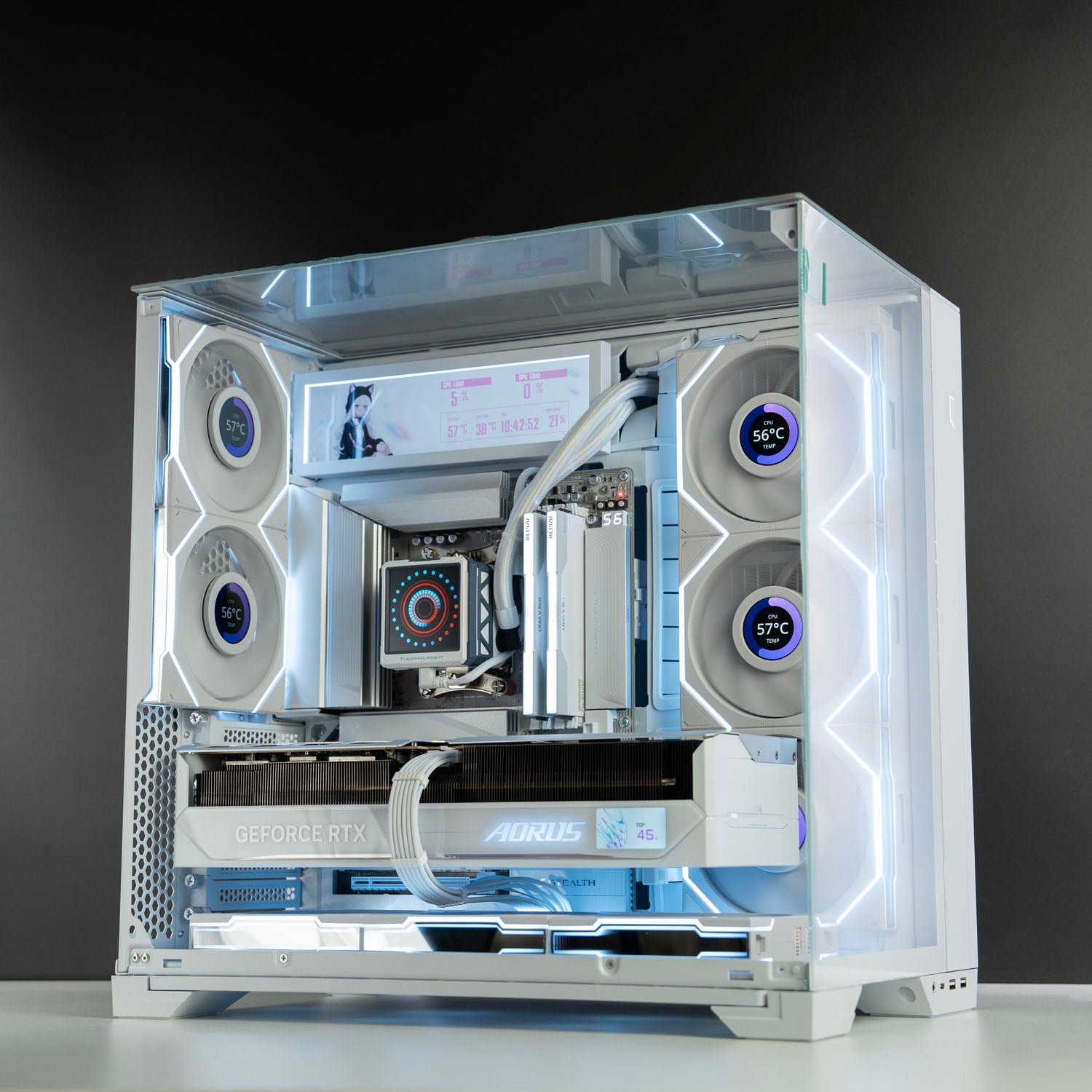
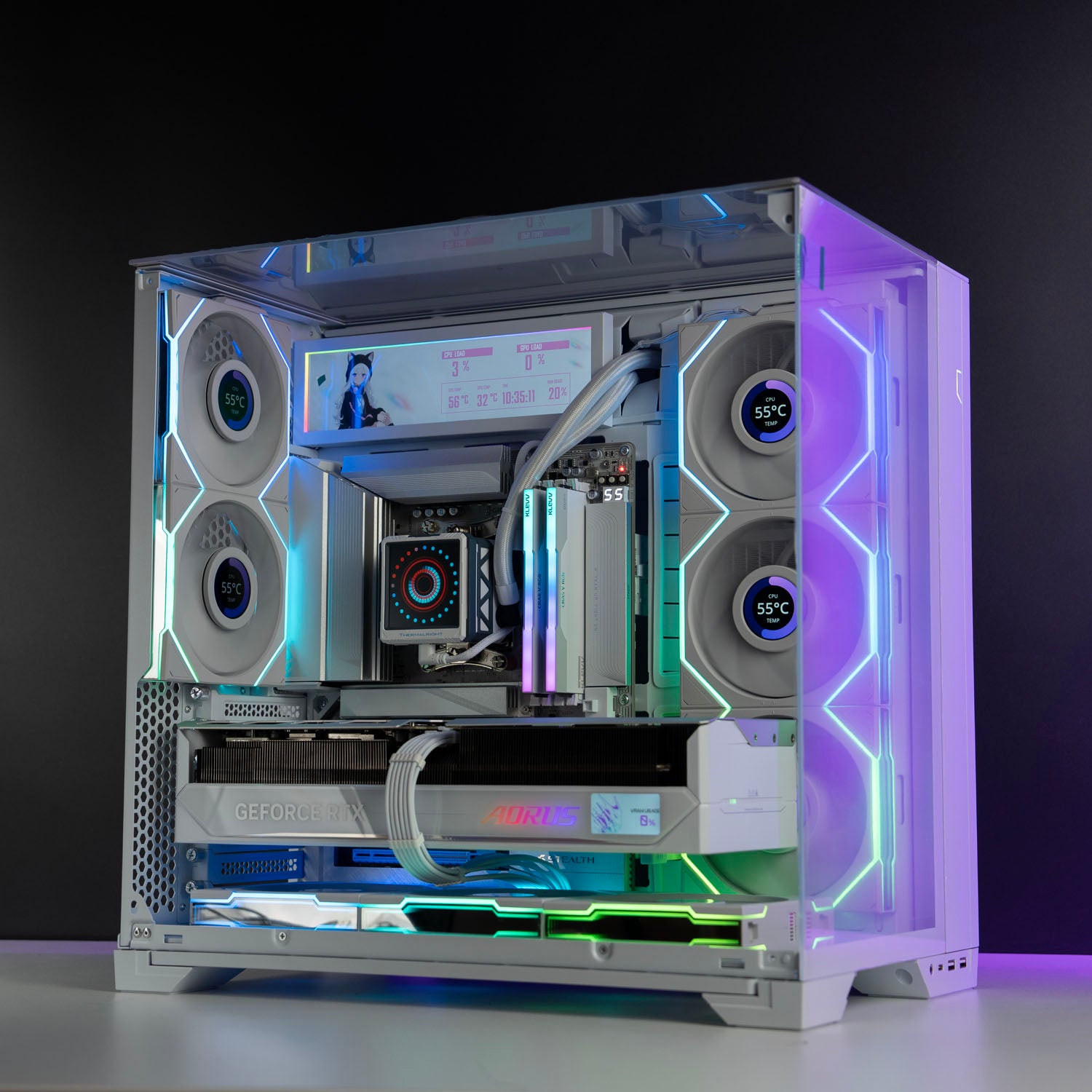
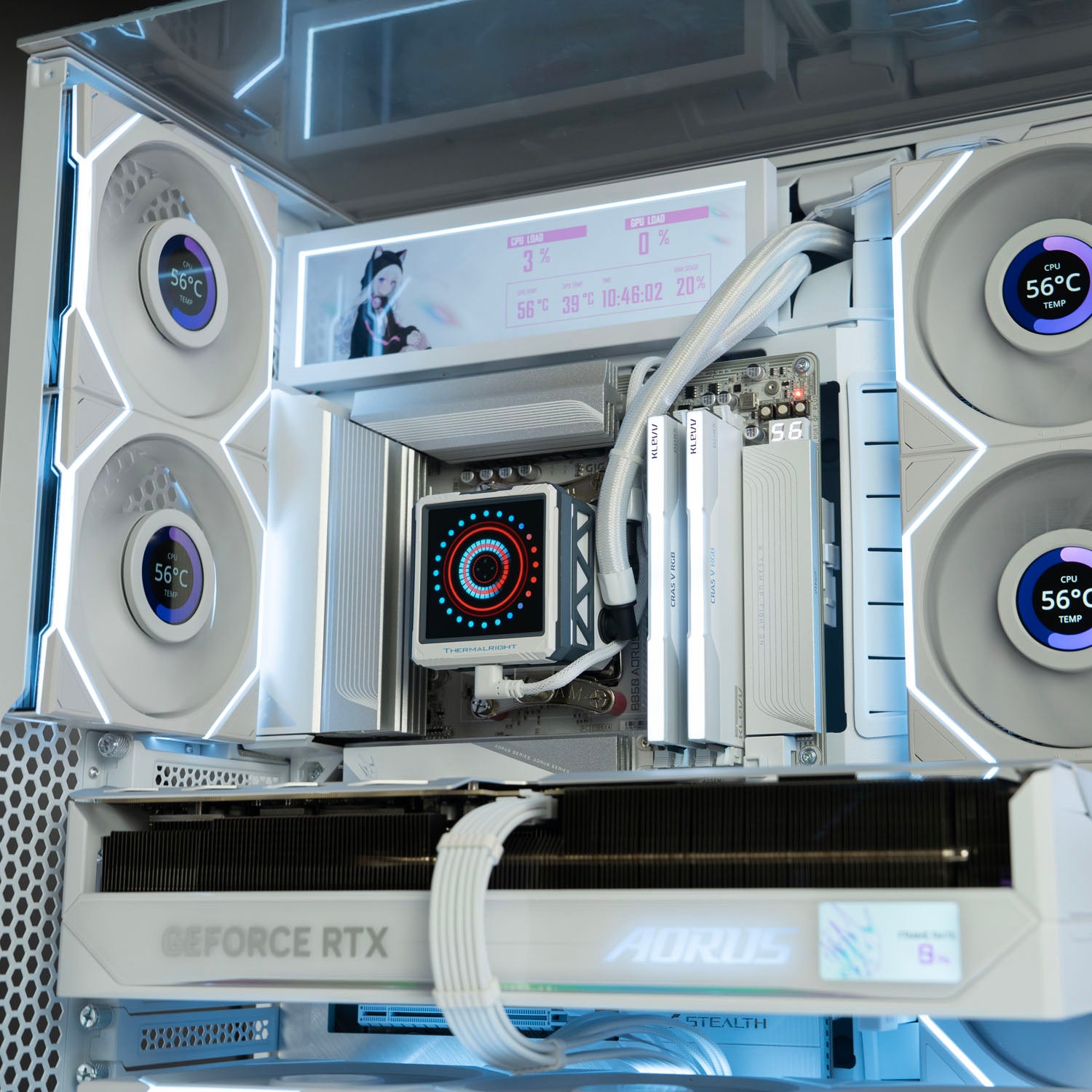
✅ Processor: AMD Ryzen 9 9950X3D – 16 Cores / 32 Threads (AM5)
✅ Memory: KLEVV CRAS V RGB 32GB DDR5 6000MT/s CL28
✅ Graphics Card: Gigabyte AORUS RTX 5080 Master ICE 16GB
✅ Motherboard: Gigabyte X870 AORUS Stealth ICE
✅ Storage 1: Crucial T710 2TB Gen5 SSD
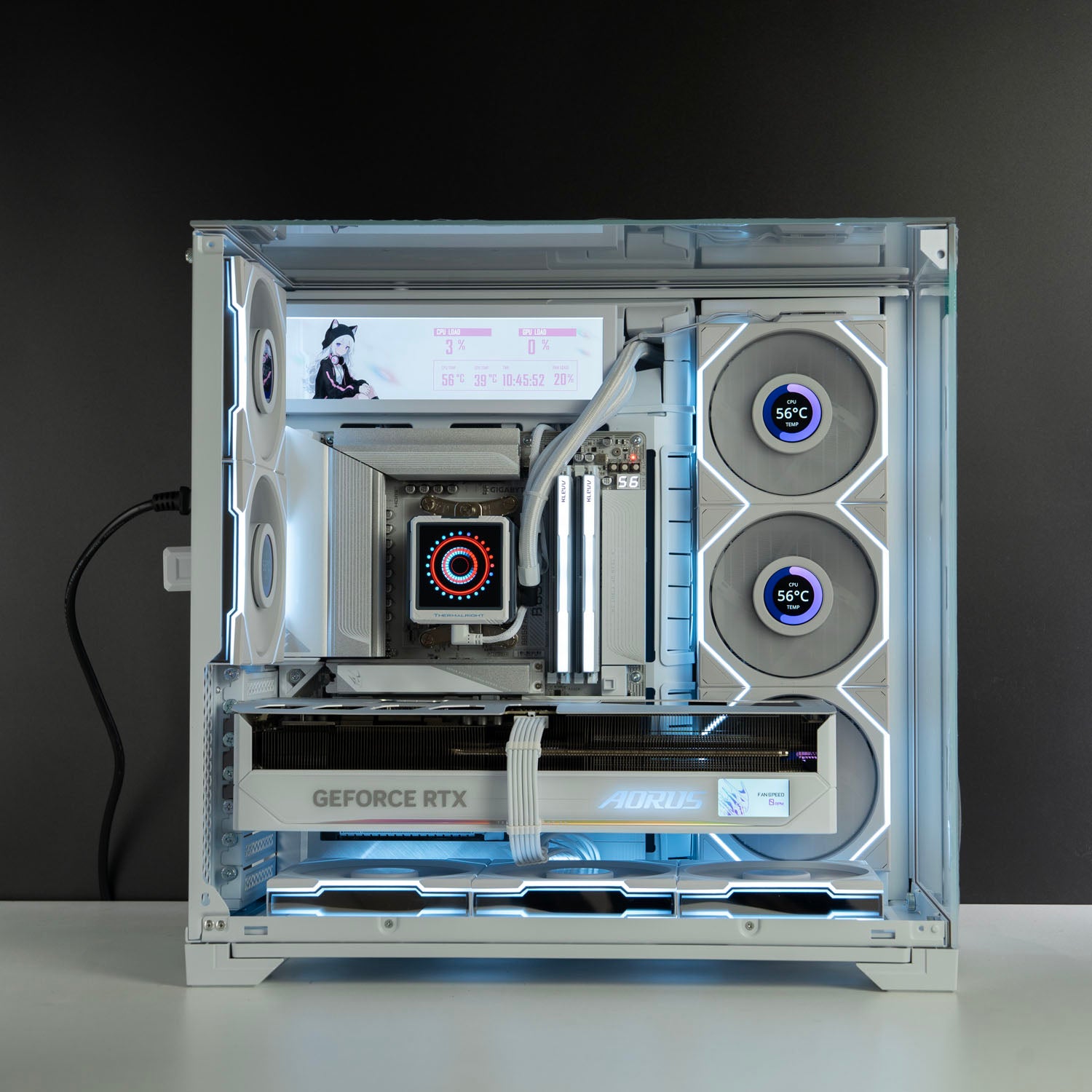
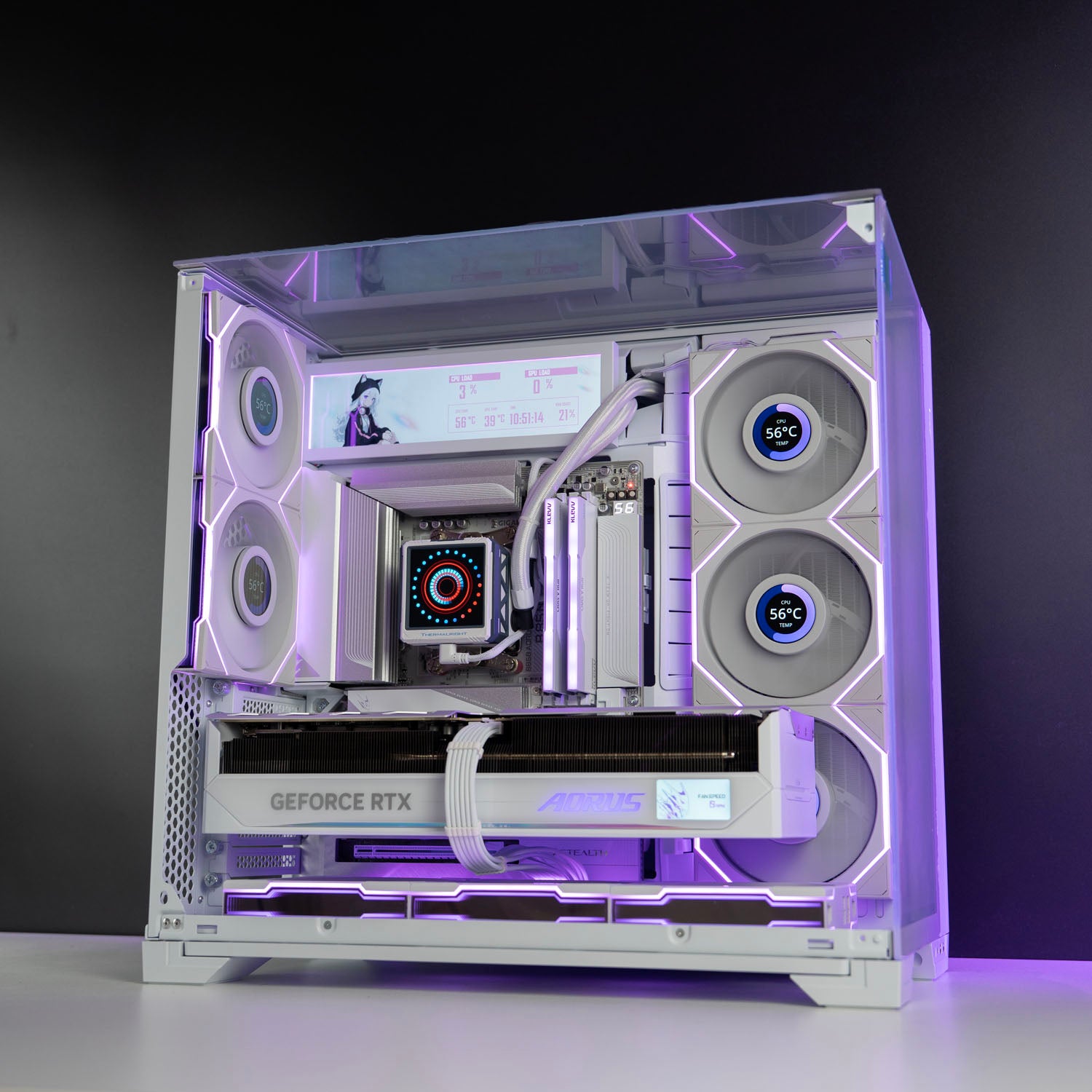
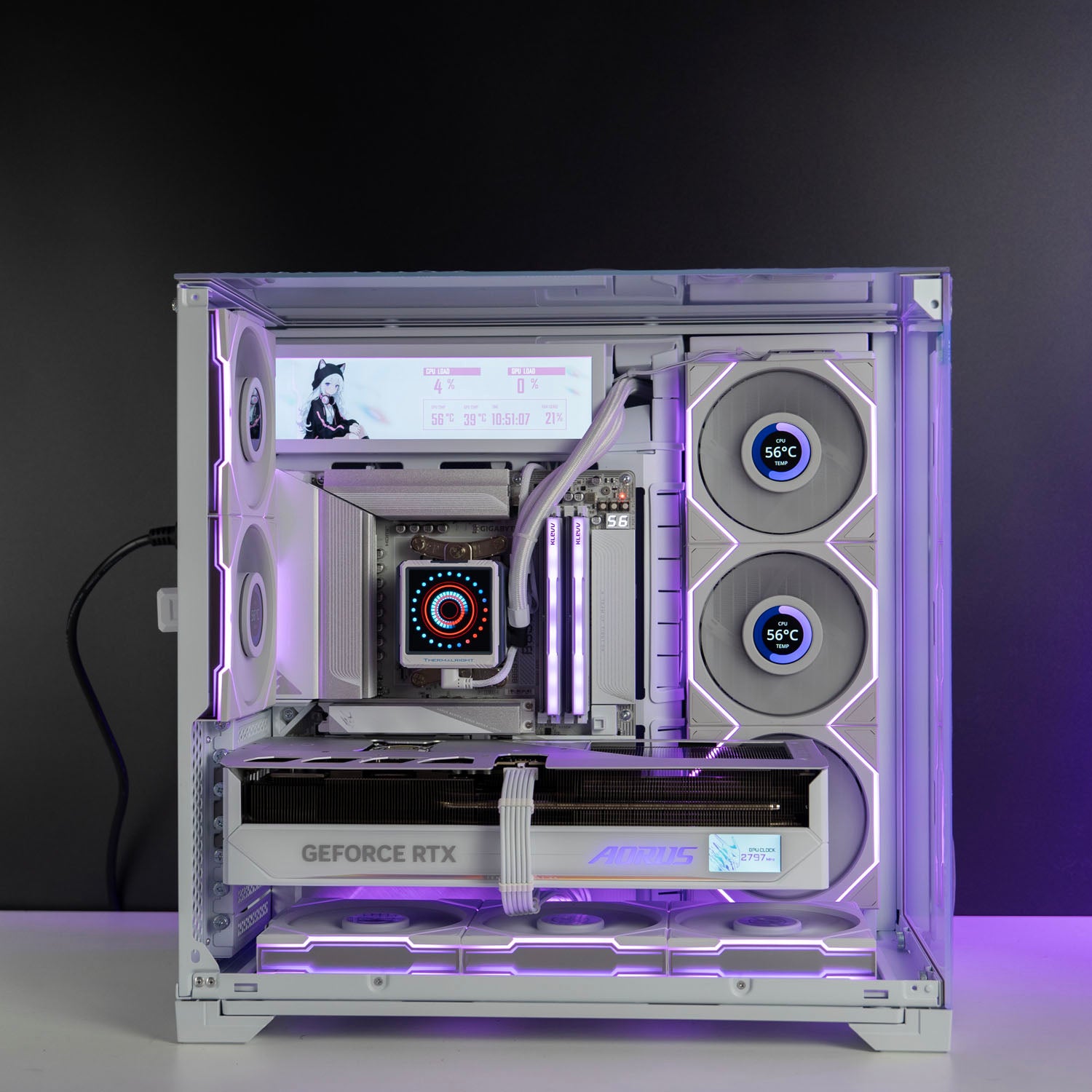
✅ Case: Lian Li O11 Vision Compact – White
✅ Fans:
– 3 × Lian Li Uni Fan TL120 Blade Wireless Reverse – White (Bottom)
– 3 × Lian Li Uni Fan TL120 LCD Wireless Reverse – White with Screen (Side)
– 2 × Lian Li Uni Fan TL120 LCD Wireless Standard – White with Screen (Rear)
✅ Add On: Lian Li 8.8" Universal Screen – White
✅ Power Supply: Lian Li Edge Gold 1000W 80+ Gold Modular ATX 3.1 – White
✅ Cooling: Thermalright Frozen Warframe Ultra 360mm AIO Liquid Cooler – White
✅ Connectivity: WiFi 7 + Bluetooth 5.4
✅ Operating System: Windows 11 Professional
This all-white powerhouse pairs the AMD Ryzen 9 9950X3D with the Gigabyte AORUS RTX 5080 Master ICE 16GB, built for elite 4K gaming and demanding creative workloads. Featuring the Gigabyte B850 AORUS Stealth ICE — a revolutionary back-connect motherboard that eliminates all front-facing cables for the cleanest, most minimalist build possible. Housed in the Lian Li O11 Vision Compact with a full suite of Lian Li Uni Fan TL Wireless LCD fans and the Thermalright Frozen Warframe 360mm AIO, this machine is as stunning to look at as it is powerful.
Professionally built, fully stress-tested, and backed by a 2-year return-to-base warranty with local Australian support.
FPS Performance

Results based on High settings — performance may vary depending on game version, map, or resolution.
BEFORE YOU PLACE THE ORDER
1. Choose your gaming rig
Not sure which gaming PC is right for you?
Give us a buzz and our team will help you out.
2. Place your order
In-stock ready-to-go PCs will be despatched within 24 hours.
Custom PCs will be despatched in 3-4 business days.
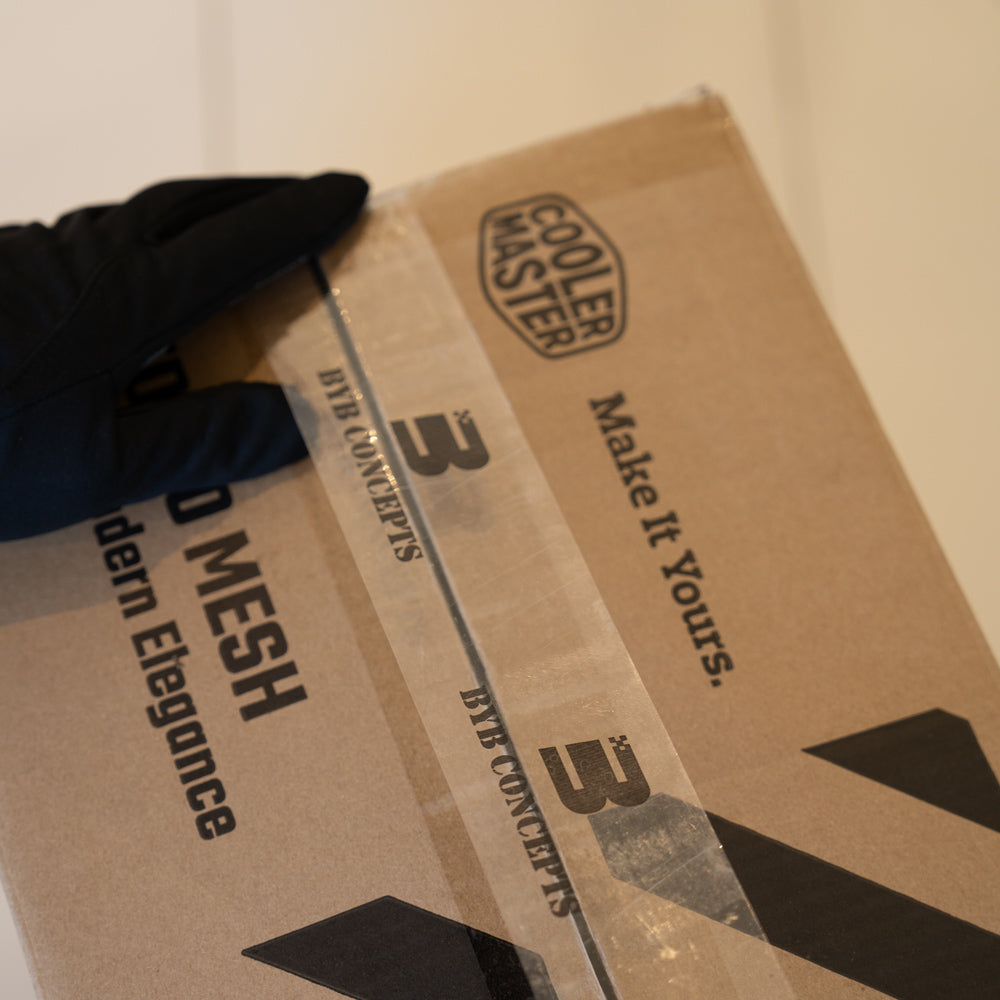
3. Packaging
We securely package your gaming PC to ensure it arrives without any damage.
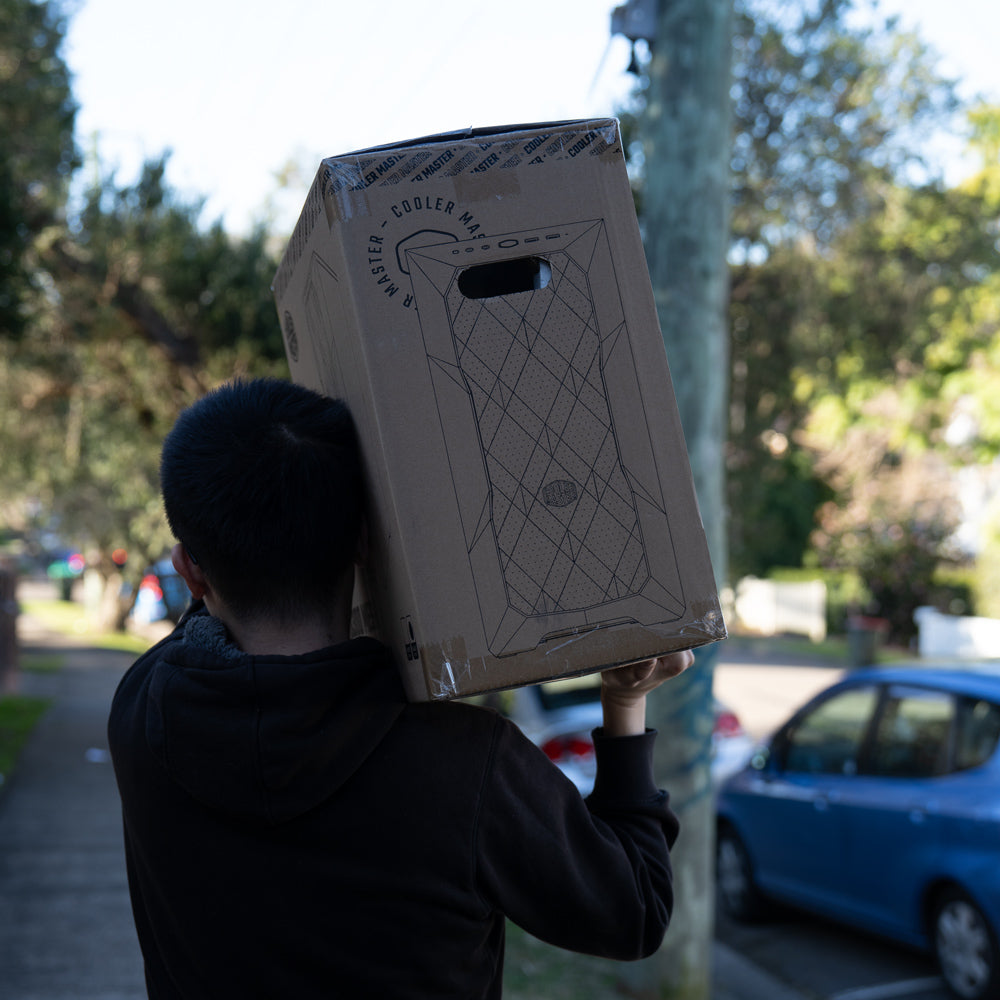
4. Shipping
Your PC Order will arrive in a few business days (Longer transit time for regional areas)
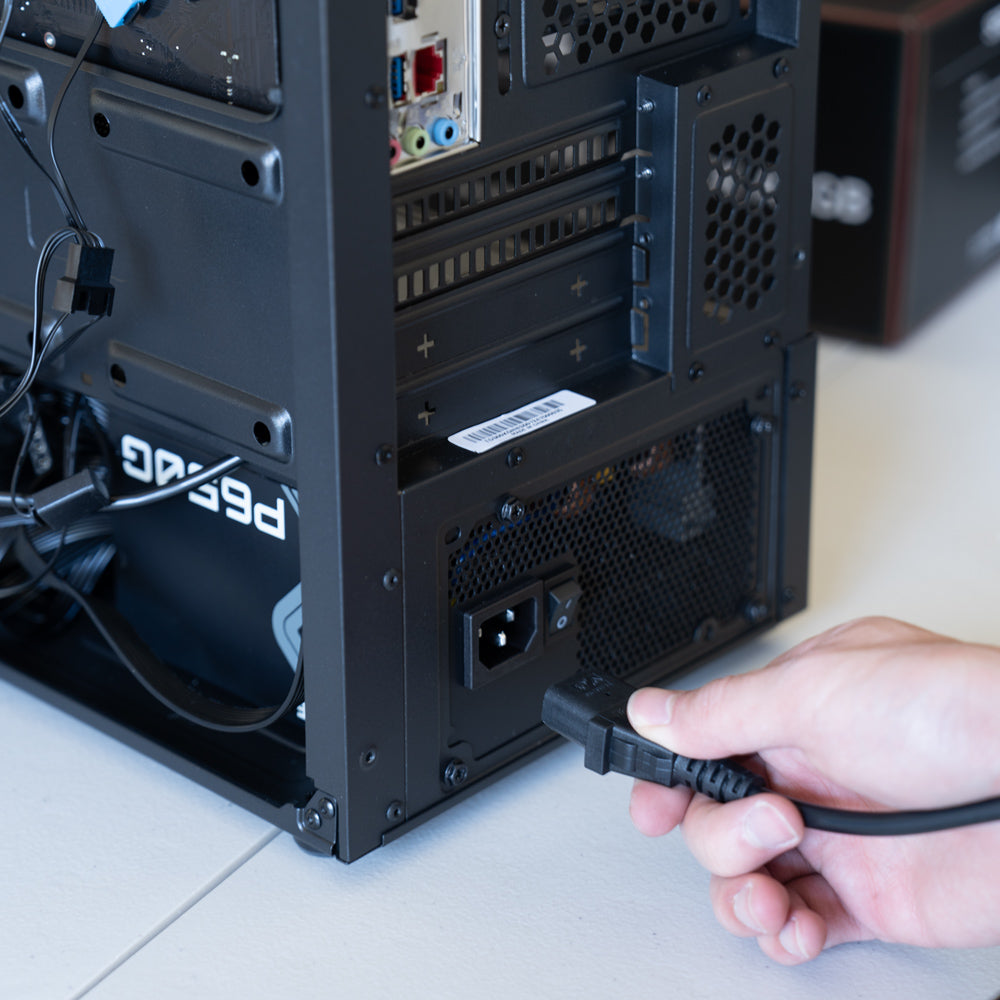
5. Plug-And-Play
Carefully unpack your new PC, connect everything properly and enjoy!
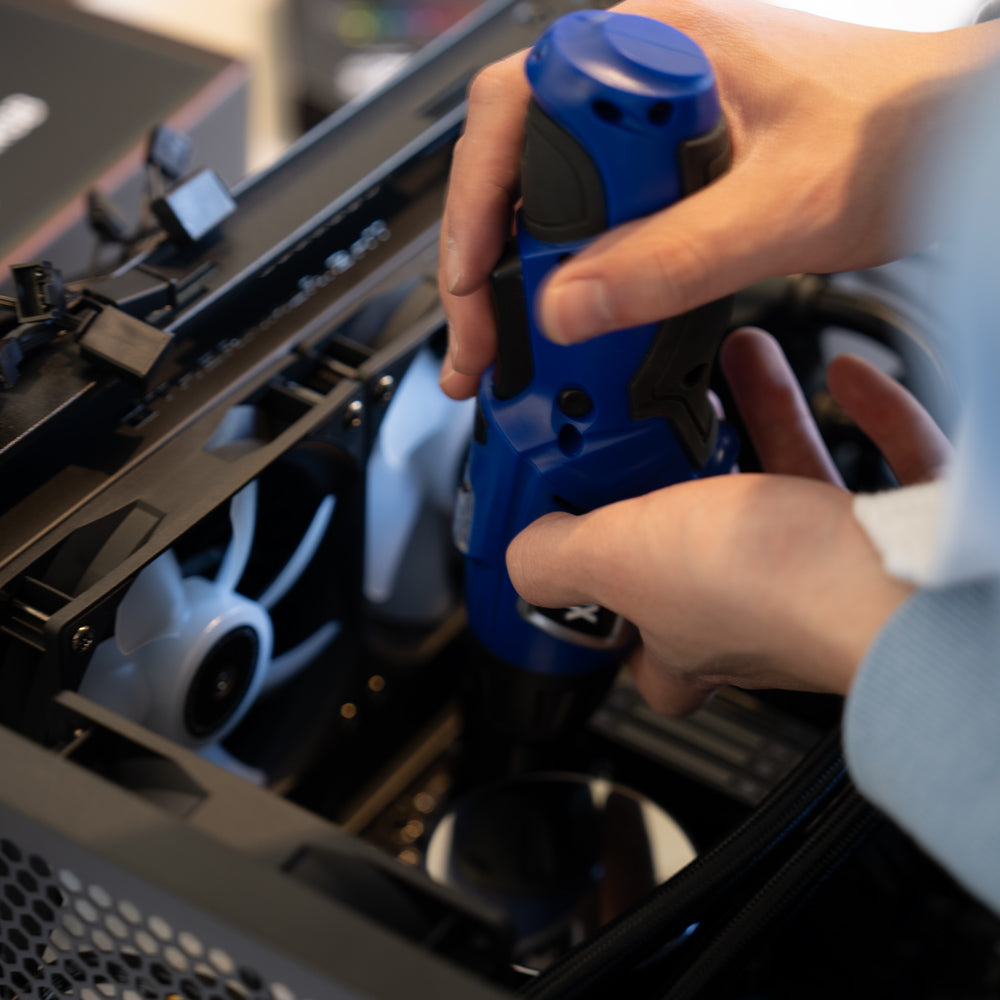
6. Have any Questions?
We're here to help!
Contact us anytime for assistance. With 2 Years warranty support.
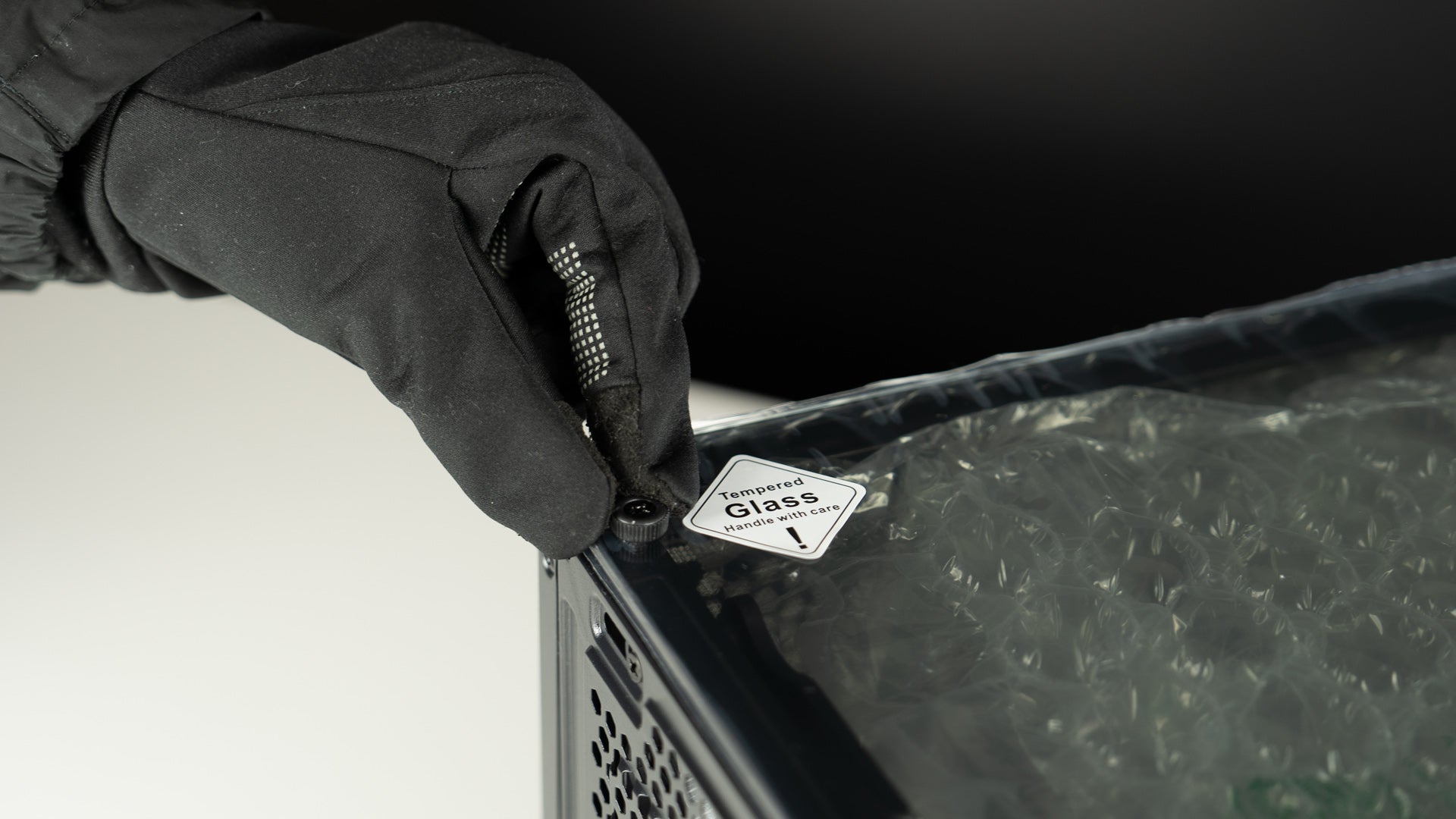
Step 1: Unscrew the Glass Panel
After receiving the computer, unpack the box, place the computer on a flat surface, and unscrew the glass panel screws.
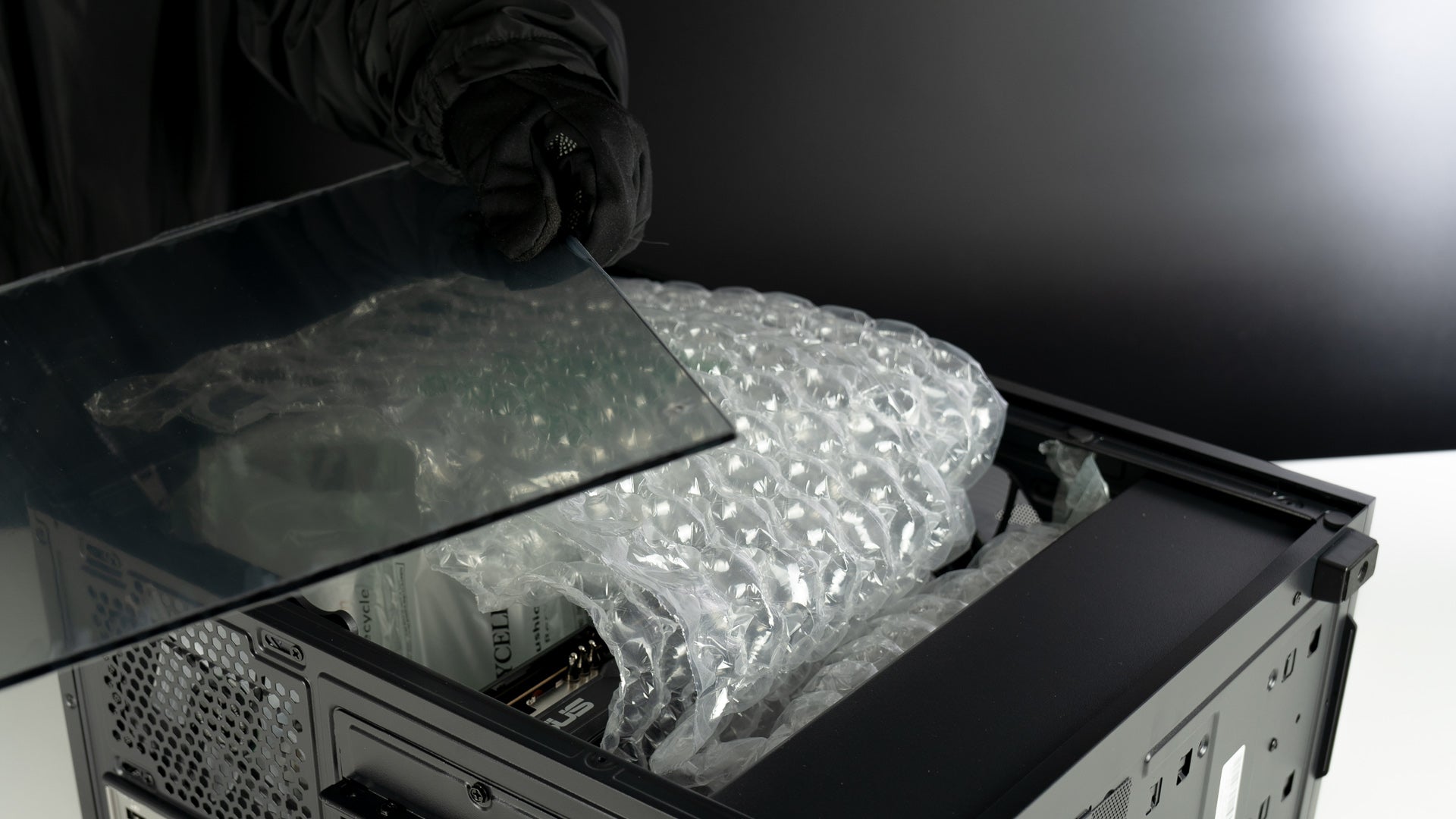
Step 2: Carefully Remove the Glass Panel
Gently lift the glass panel away from the computer case. Hold the panel securely with both hands to avoid any slips or falls.
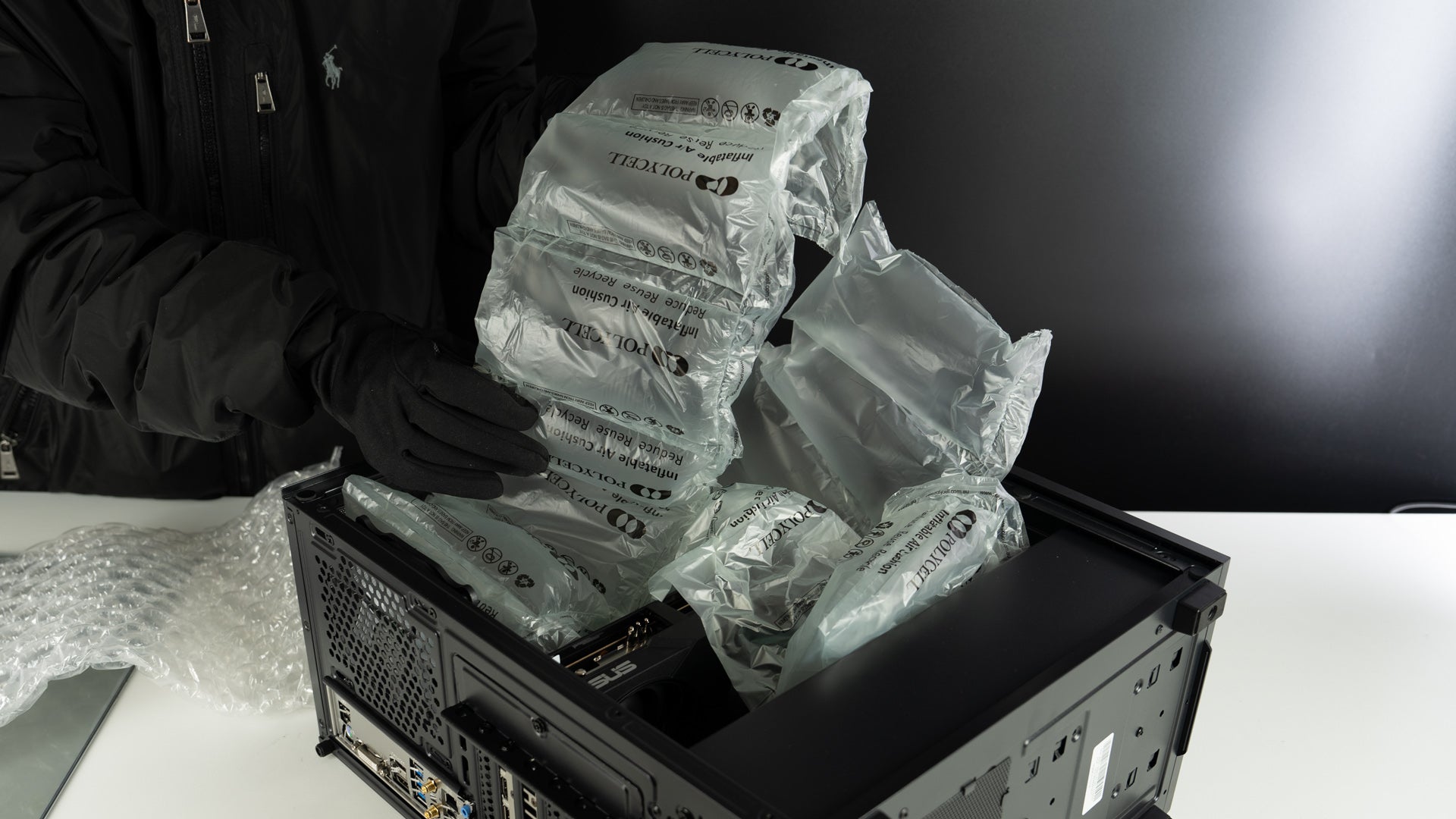
Step 3: Remove the Packing Materials Inside the Case
Carefully take out any foam, plastic, or other packing materials from inside the computer case.
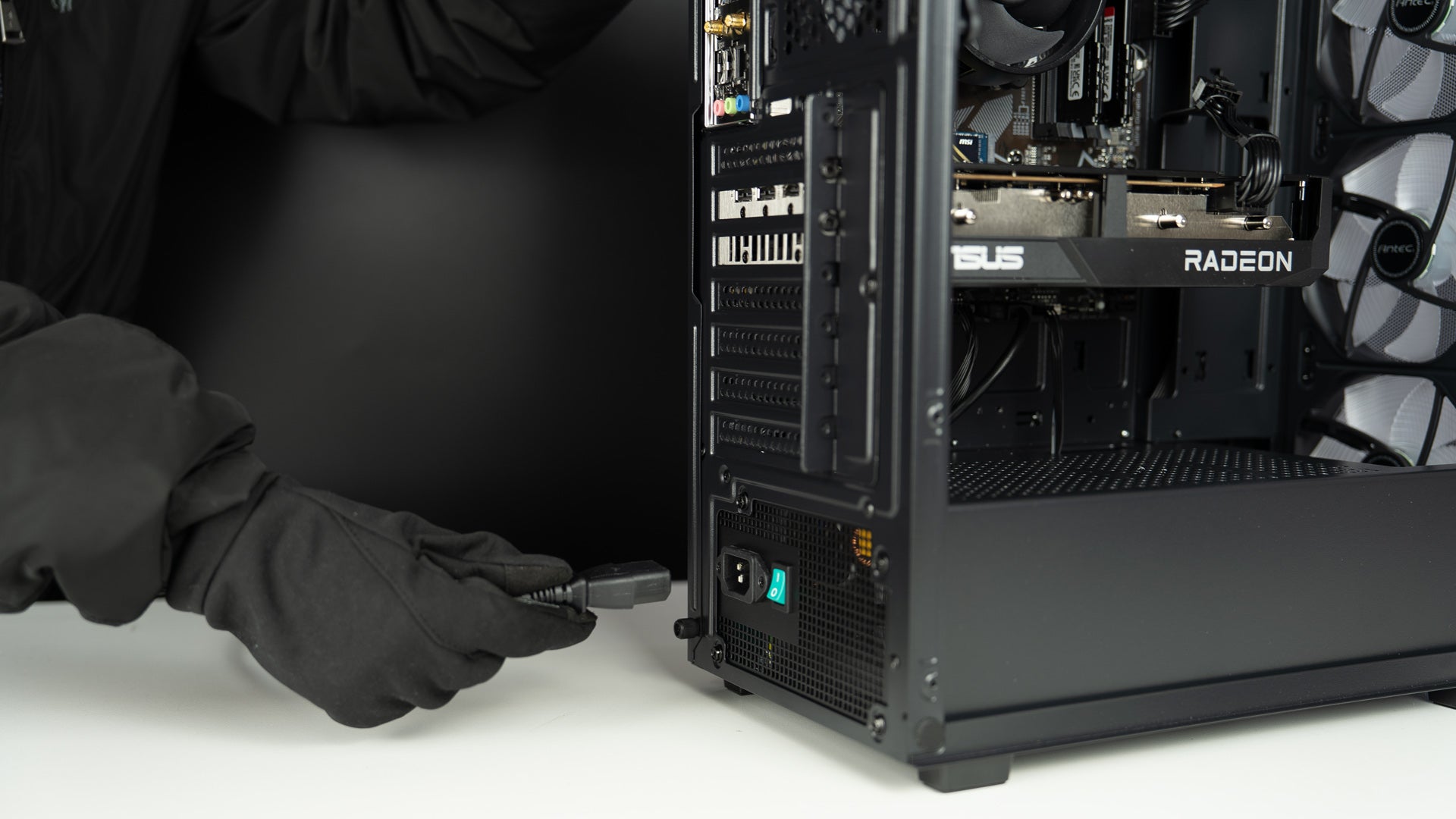
Step 4: Plug in the Power Cable
Insert the power cable into the back of the PC and plug it into a power outlet. Then connect your keyboard, mouse, monitor, and other devices.

Step 5: Plug Your Monitor Cable into the Graphics Card
Connect your monitor using an HDMI or DisplayPort (DP) cable. Make sure the cable is plugged into the graphics card, not the motherboard.

Step 6: Connect the Wi-Fi Antenna
Attach the Wi-Fi antenna to the Wi-Fi ports on the back of the PC, tighten it gently, and you are good to go.